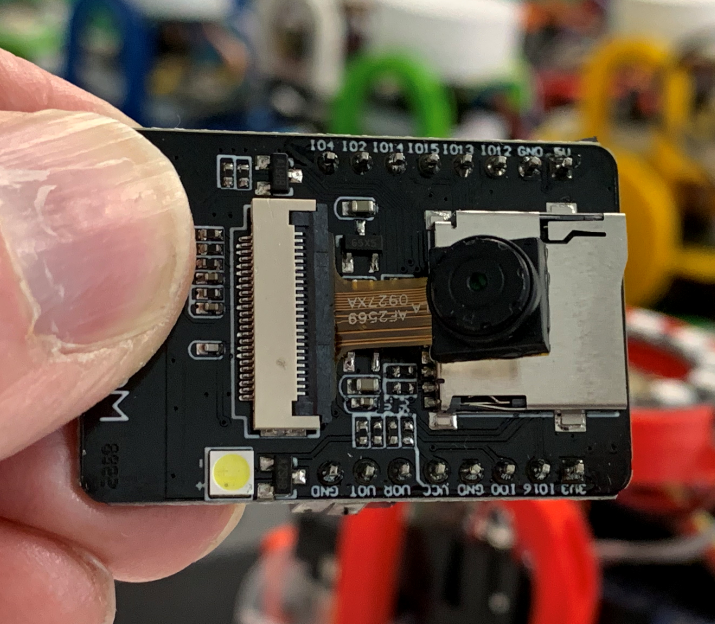
I got my little game working on the Raspberry Pi yesterday, and today I got to thinking how I could make it work on something a bit, er, cheaper. It’s not so much that I begrudge paying the price for the Pi, more that I can think of more demanding things to do with the Pi than just run the game. My thoughts turned to the ultra-cheap ESP32 devices that I’ve been playing with. The only snag is that I’ve written the entire game in Python for the Raspberry Pi, and I don’t fancy re-writing it in the C++ that these devices normally run.
So, why not run Pyhon on an ESP 32 device?
This turns out to be really easy. If you’ve installed ESP32 devices as part of your Arduino development environment you will have a useful little program called esptool.py on your machine. To convert a device to Micro Python you just have to plug in one of those ultra-cheap devices, find out what serial port it is connected to (in my case com4) and then use the command below to program the chip with Micro Python.
esptool.py --chip esp32 --port com4 --baud 460800 write_flash -z 0x1000 micropython.bin
This loads the image in the file micropython.bin into the device. To get a Python image, go to the download site and look for ESP32 devices. I used the one in the file esp32-20190714-v1.11-146-g154062d9c.bin