Magical Athlete

Talking, as we were, about wacky board games we come to Magical Athlete. We played this last night too. It’s a bit like snakes and ladders, but with no snakes and no ladders. Instead players get to pick athletes for four dice powered races round the board. All of the players have extra abilities, some of which affect other players. For example the “party animal” draws all the other players one square towards them. Some of the board squares have actions on them which might trigger other player actions, so moves can compound in interesting and very amusing ways. It’s a dice game at heart, which means that getting super strategic and thinking things through is not really a thing you can do when you play. But as a party game it is super fun.


Pili Pili

We played a bunch of games tonight, one of which was Pili Pili. It is a trick taking game. At the start each player makes a bid that sets out many tricks they intend to take in the round. The total number of tricks must not be equal to the total number of cards each player has, so someone is bound to fail. Then you go off taking tricks using cards numbered from 1 to 56 plus a joker. Anyone who misses their target gets a chilli. Get five chilli’s and the game ends, lowest chilli count of the remaining players wins. Simple eh?

Oh, but I forgot one thing. Each round has a different “mode”. Sometimes you have to pass some (or even all) of your cards to a neighbour after you’ve bid. Sometimes you have lay our cards face up in front of you after your bid, Sometimes you hold your cards above your head so that everyone can see them but you before you bid. There might be one where you have to play your hand standing on one leg. We’ve not played it that much. But these different modes make all the difference and turn the game into something else. Every hand. It’s easy to pick up, great fun to play and doesn’t last that long. Strongly recommended.

Slave to Pokemon Go

Never accuse me of not staying on trend. Just ten years after it started, I’ve finally got into Pokemon Go. It’s not cost me much money so far (apart from a stress purchase of some pokeballs a while back) and I am rather enjoying it. It makes going out that much more interesting I’ve not done much fighting yet, but I’m having fun building up my collection. It is a great case study in how to build a game which draws in the player and offers training and new things to do in just the right amounts to engage you.

Bourbon Classic Sneak Peak

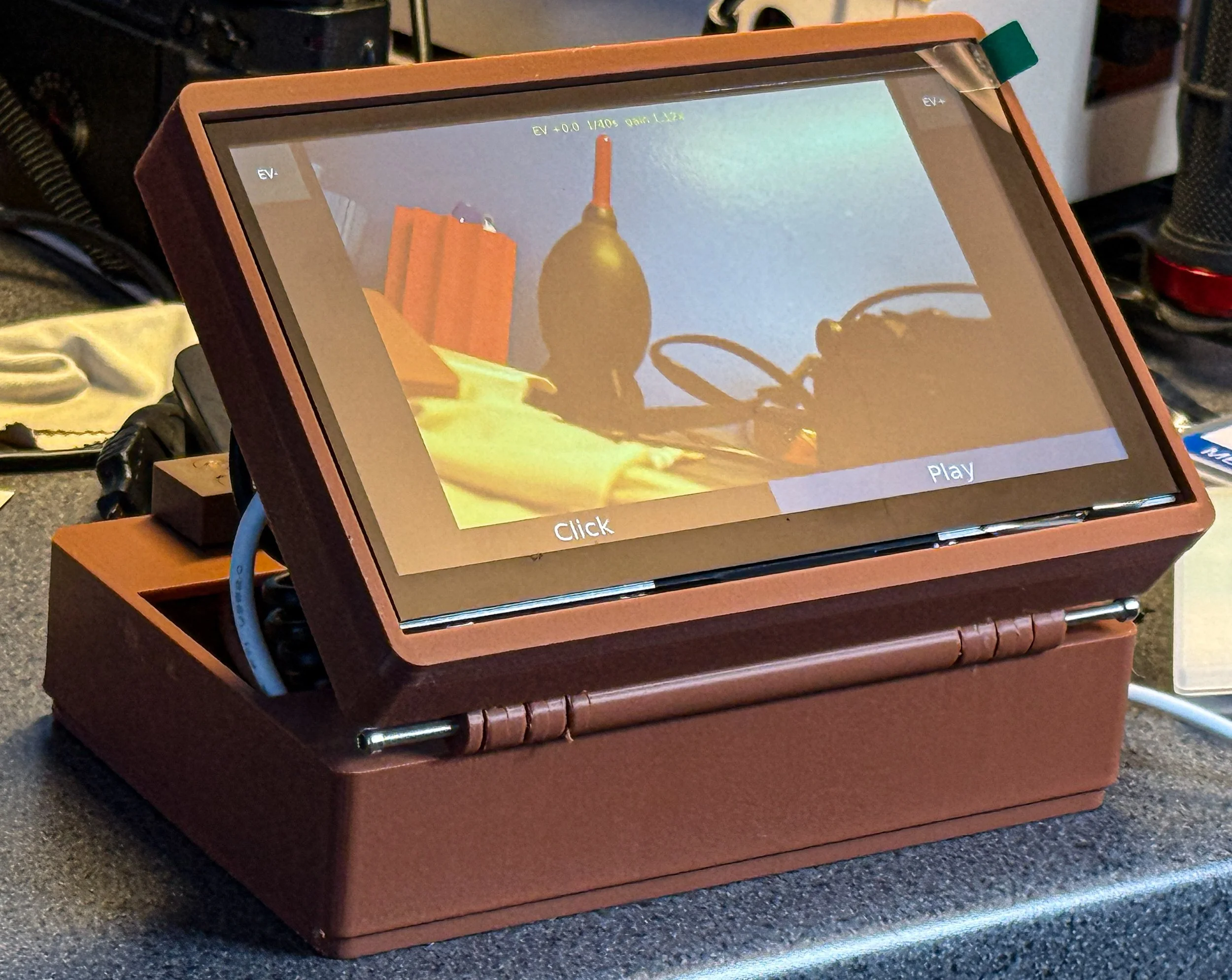
You’ll know I’ve finisehd when I take the protective coating off the screen

After the worldwide (in my world) success of the Custard Cream Camera I’m now working on its successor. The Bourbon Classic. This has a much larger capacitive touch screen viewfinder that pivots. I’ve left the printer out of the camera to make a more portable device and it uses the Raspberry Pi 3 camera. There will be a separated printer box with a wireless connection. It will probably be brown too.

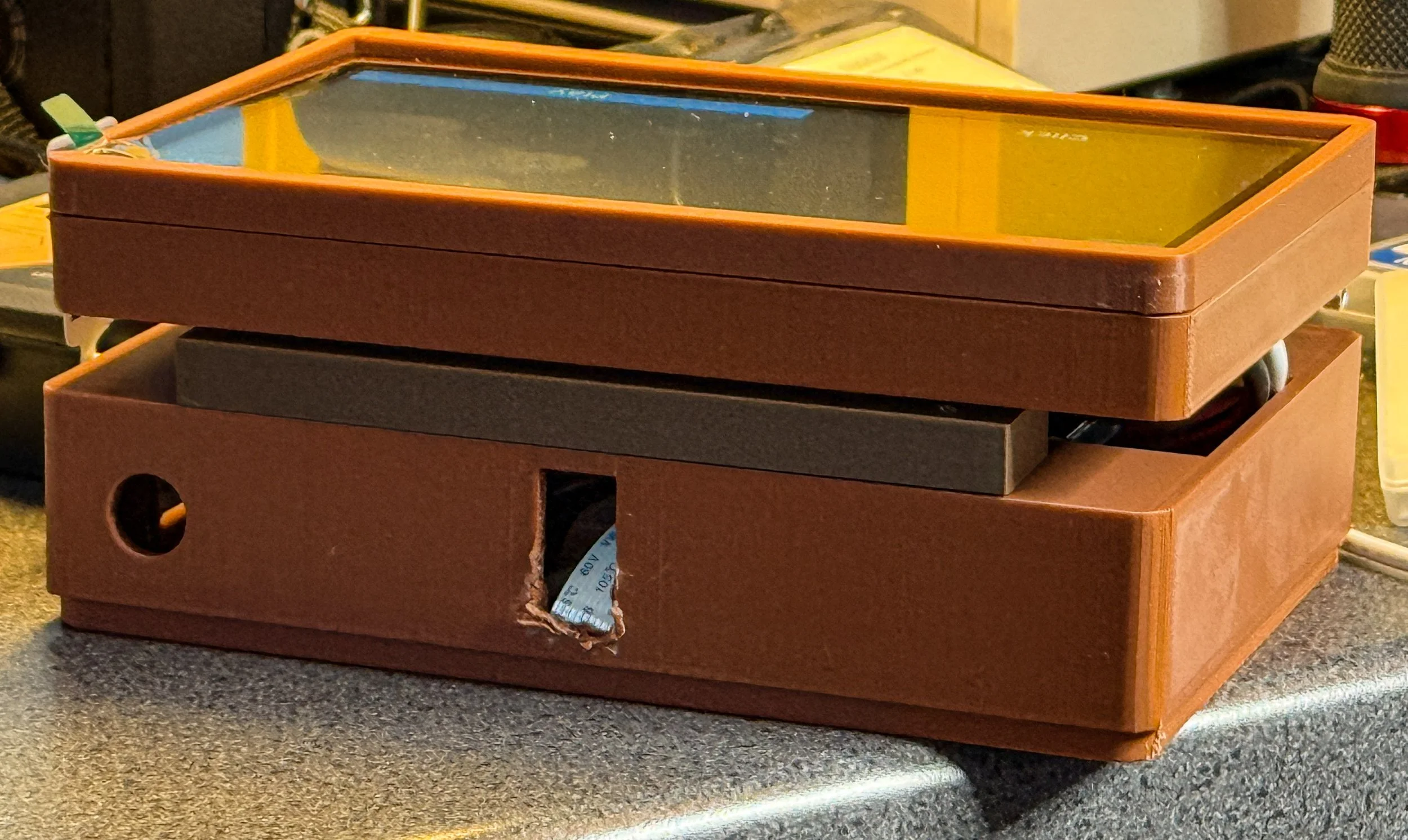
Needed to slightly tweak the camera slot for the prototype.

this one looks a bit like a different biscuit, the bourbon.

Why is printing things so hard?

It’s nice to know that even with the advent of super powerful systems and rampant artificial intelligence some things in computing are hard. For example printing.

I spent a chunk of today trying to print an image on a large piece of paper. I’d configured the printer properties, told it the size of the paper, previewed the output carefully in Lightroom and then got a picture that just filled a little rectangle in the middle of a sheet of very expensive paper that I’d just wasted. It turns out that Lightroom has a totally separate Page Setup menu button about as far away from the Print and Printer buttons as possible. That’s where you tell the program the size of the cell into which you want the picture to be placed. Get that wrong and it’s postage stamps all the way. Ugh.

Some systems are just sufficiently useful to be worth the trouble of using them. Lightroom has been teetering on the brink of this for years. Every time they release a new update with added AI that I don’t need I wonder if they couldn’t spend a bit of time making it a bit easier to use. At least I managed to find the “show preview” option on the printer driver so that I shouldn’t waste any more paper.

Fun with RADD Solutions at the Computer Sheds

Pictures taken and processed using the Custard Cream Camera

This time last week I was enjoying myself at the The Computer Sheds. I was there as a guest of RADD Solutions who were celebrating 10 years of being in the business of keeping railways and enterprise software on the move (see what I did there?).

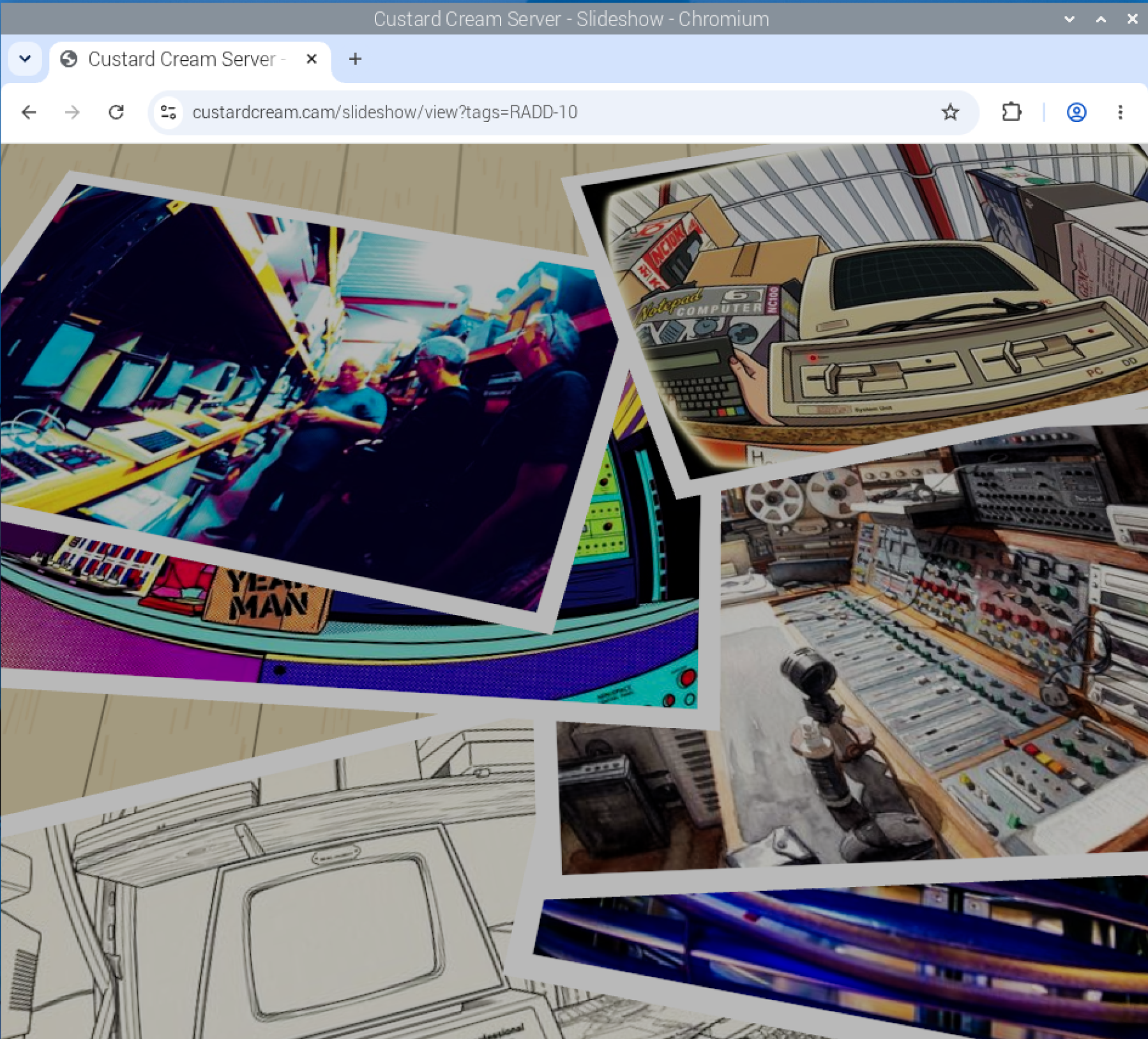
It was a superb afternoon, rounded off with a really nice meal at The Manor Inn. If you want to see a slideshow of the pictures that I took and fiddled with, you can find it here. The pictures are all held on the Custard Cream Server (otherwise known as the Pi 5 on my desk) so we’ll see how well that goes…..

Custard Cream Camera Video now live

I’ve made a very bad video about the Custard Cream Camera. The way I see it, a bad video is better than no video. Your opinion may differ. I’ve also made the Custard Cream Camera repository public so you can build your own if you really want to. You can find it here

Hardware hijinks at the Hardware Meetup

Heading off to star in a film…

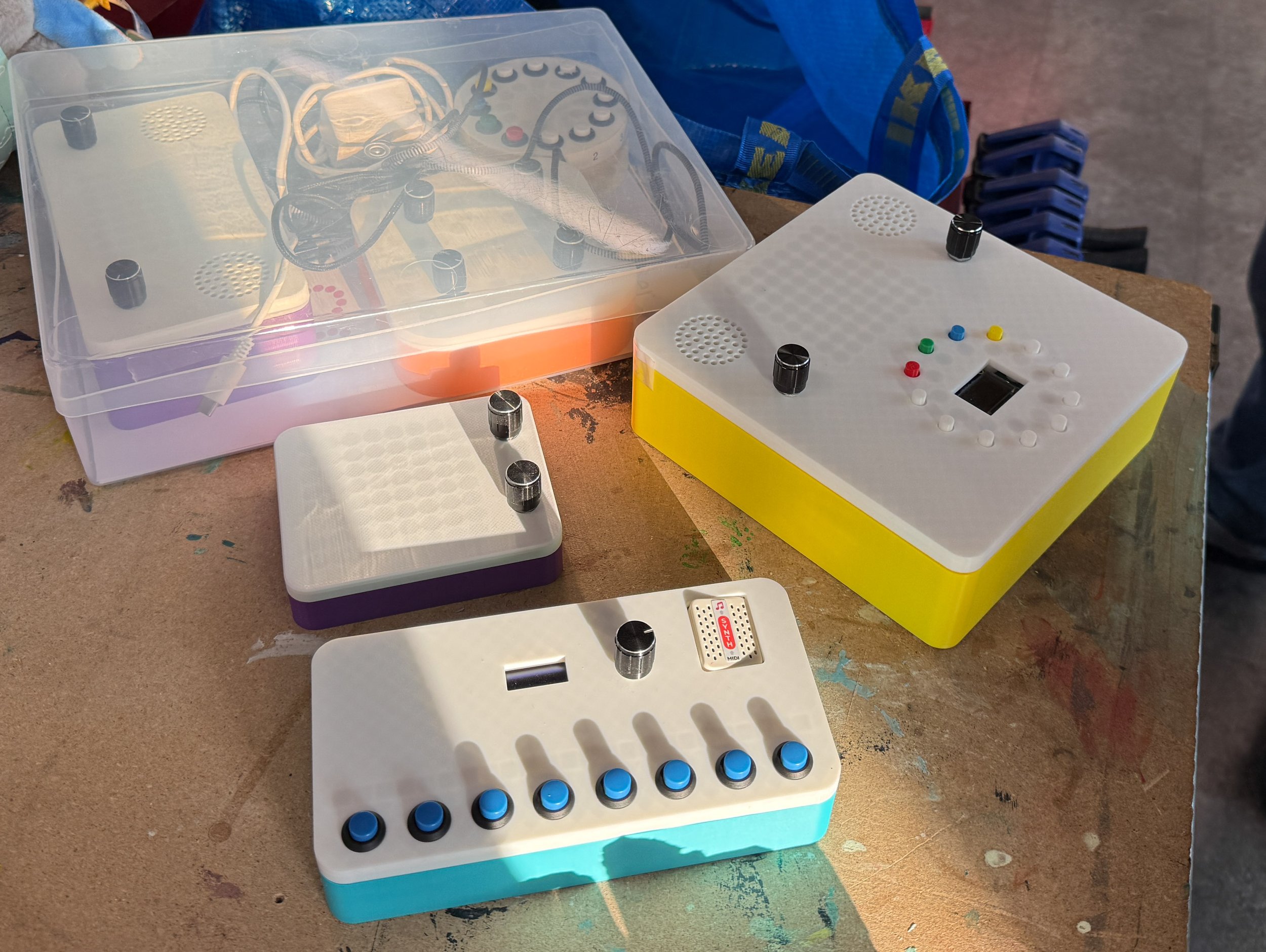
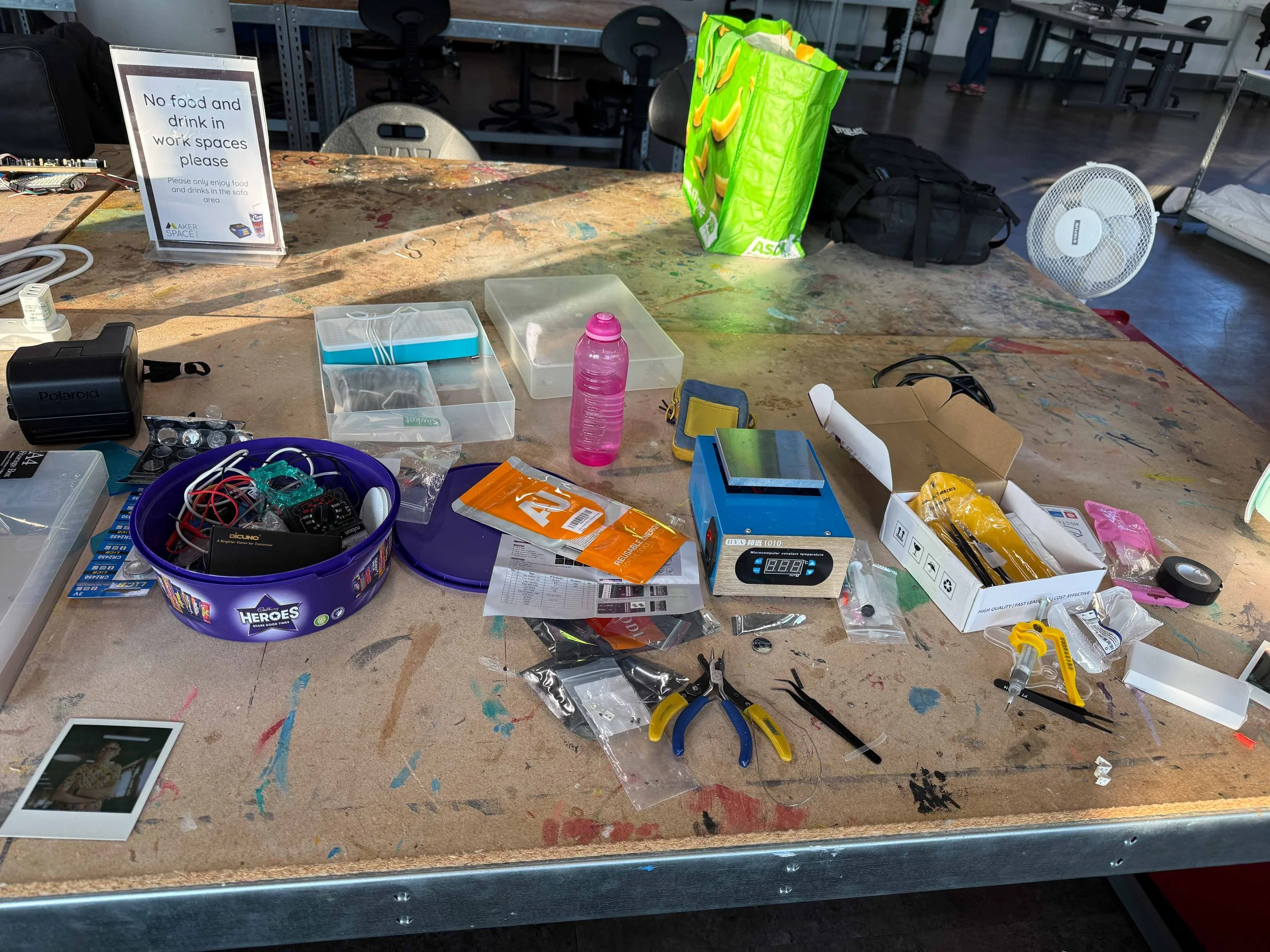
We had all kinds of fun at the hardware meetup tonight. And we discovered that a “simple soldering kit” is not always what you might think it is. Anyhoo, we did make some things work and I met up with some filmmakers keen to immortalise some of my light up boxes.

Productive debris

After the meetup the creativity continued at dinner, with suggested refinements to a joke in progress.

I had a go at visualizing the joke using AI and it seems to have done a good job. Until you count the number of arms the shepherd seems to have…

A Fine Time at the Maritime Museum

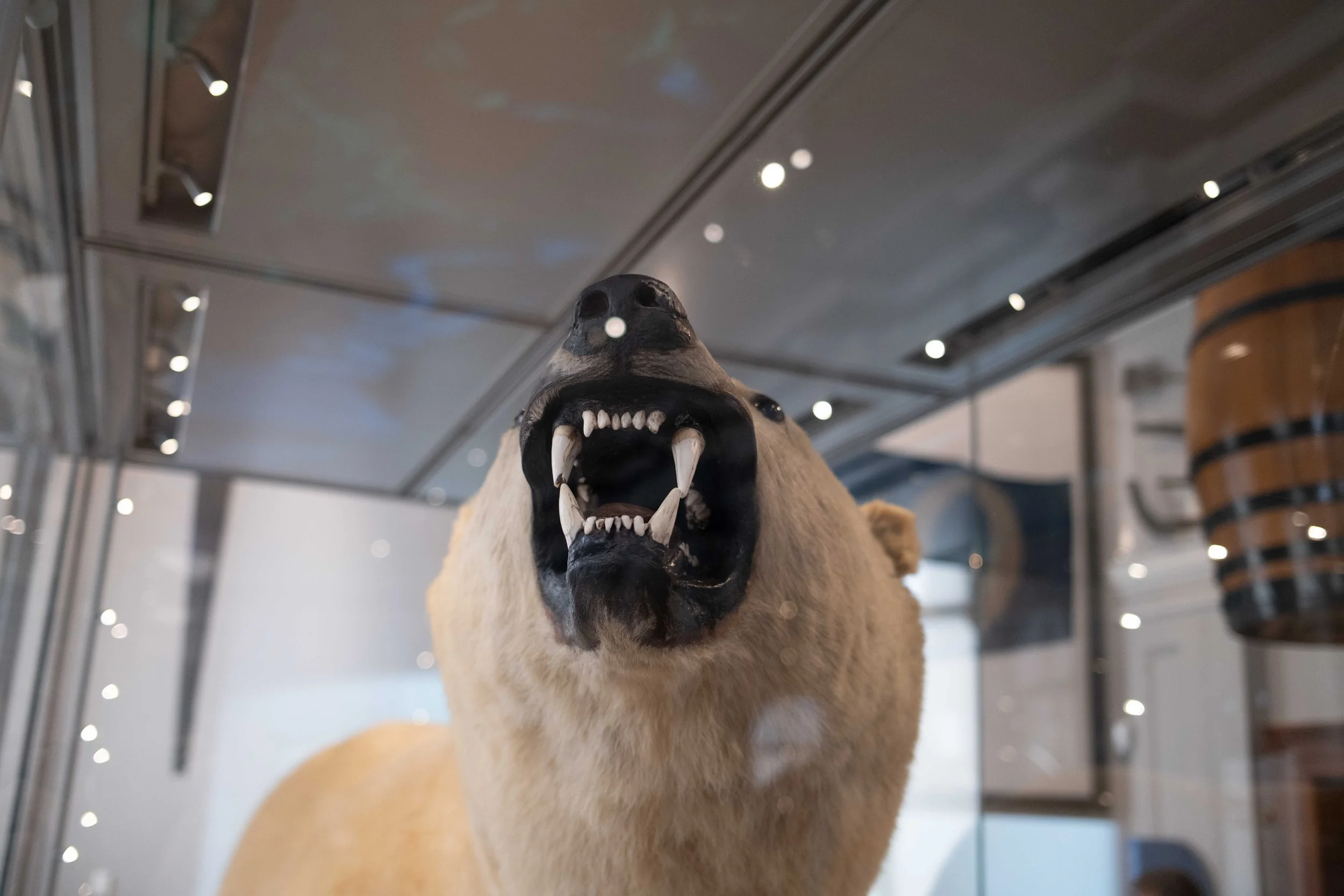
So much for cute polar bears

We had a fine time at Hull Maritime Museum yesterday. We booked tickets (you can do this on line and it costs nothing) and were there bright and early when it opened. There’s a lot of stuff here,

The history of Hull and the sea is well told, with thought provoking presentations about the life of a trawlerman (tough and dangerous) and the efforts it took to make fishing safer. For me the best bit was seeing what they had done with the rooms. The plasterwork and decoration was amazing.

The view from the museum is pretty good too, as is the café. If you live in Hull you should go. If you don’t live in Hull, come to Hull and then go.

Custard Cream Camera FTP Server

The latest version of the Custard Cream Camera isn’t a camera. It’s an FTP (File Transfer Protocol) server instead. Turns out that quite a few modern cameras can send out their pictures over FTP. The new non-camera camera shares all the features of the original, including printing, photo editing and publishing, but it doesn’t take pictures. Perhaps I’m going to have to work on that name.

Giving devices access to your private Git Repositories using SSH

A little while back I wrote a blog post telling folks (and future me) how to set up secure sockets so that you can log into remote devices without passwords and create Visual Studio Code remote sessions. Here’s the follow-up, which tells you how to use your SSL keys to give a device access to your private GitHub repositories.

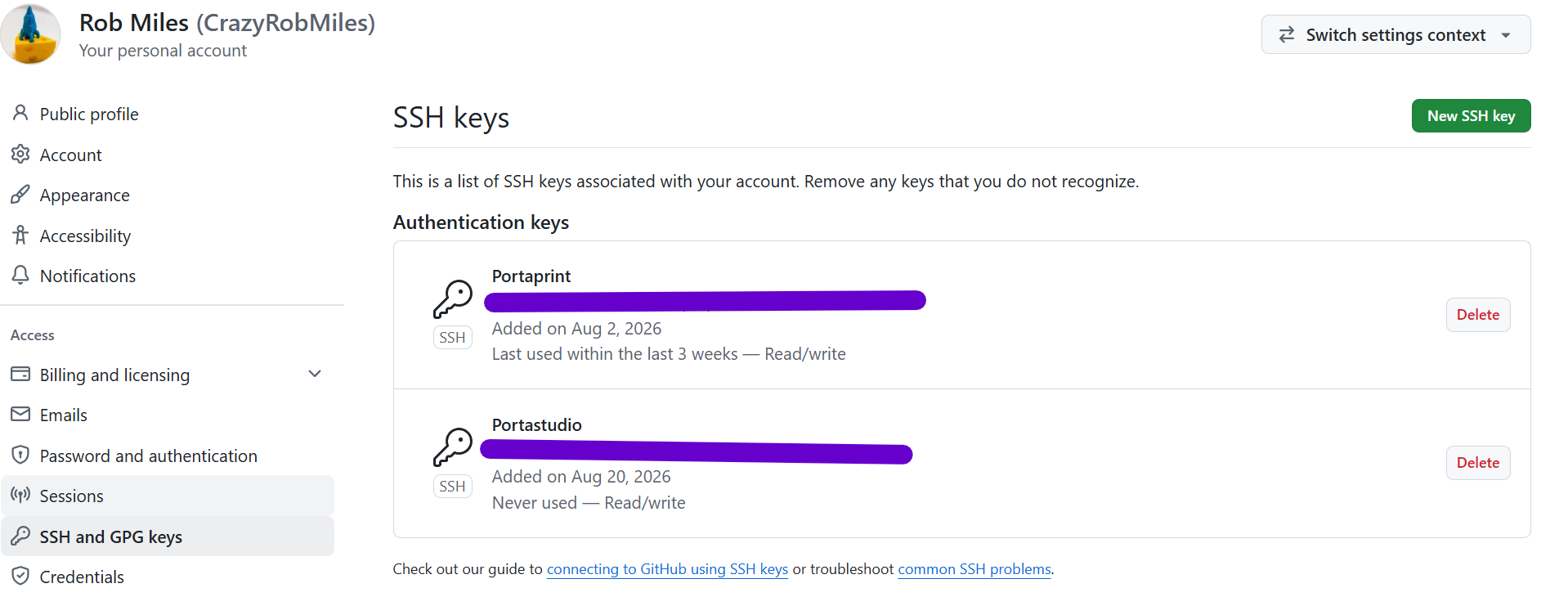
I like to keep my repositories private until I’ve got them kind of sorted. This makes it tricky if I’m deploying to a newly set up remote Raspberry Pi, since it needs GitHub credentials to access private stuff. The best way to solve this problem is to put a copy of the device SSL key onto your GitHub account. It’s easy to do and works a treat. Start by going to GitHub and opening your personal Settings (the one at the top right, not the settings for a particular repository). Then click SSH and GPG keys.

You can see my keys here. Now click New SSH Key. A dialogue will appear asking for two things: the name for the key and the key itself. I use the machine name as the name. You can find the key in the file id_ed25519.pub in the local .ssh folder of your new machine. This file was created when you did ssh-keygen to set up ssh on the machine. Enter the info and close the dialogue. Once you’ve done this you can use the ssh form of git clone to grab private repositories from GitHub.

git clone git@github.com:CrazyRobMiles/custard-cream-camera.git

You’ll need to put your GitHub username and your repository name into the above command. Note that the https way of referring to repositories won’t work.

GitHub will send you an email to tell you when you’ve set one of these up. It also lets you track the last time the key was used. You can remove keys that you are not using.