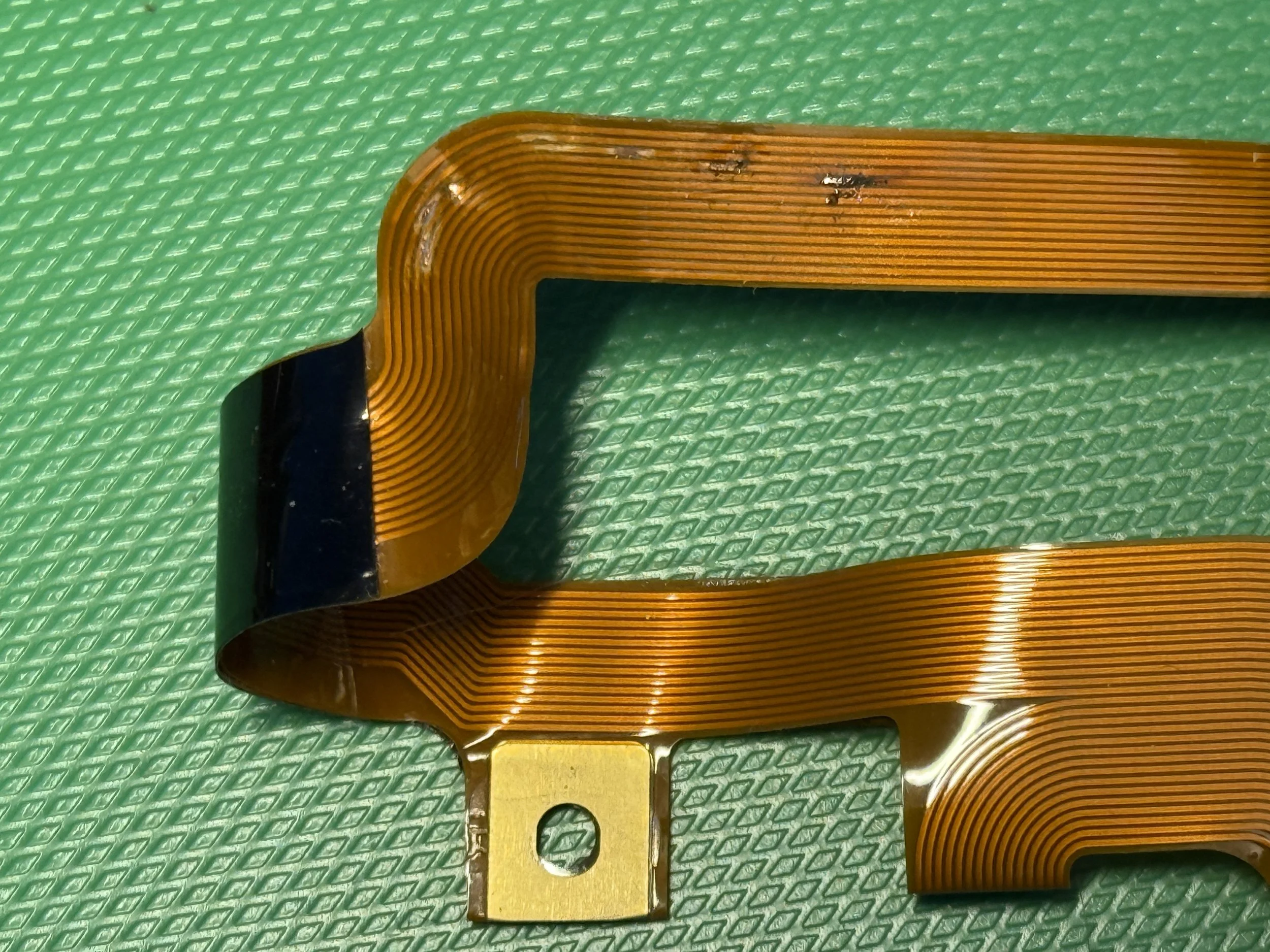
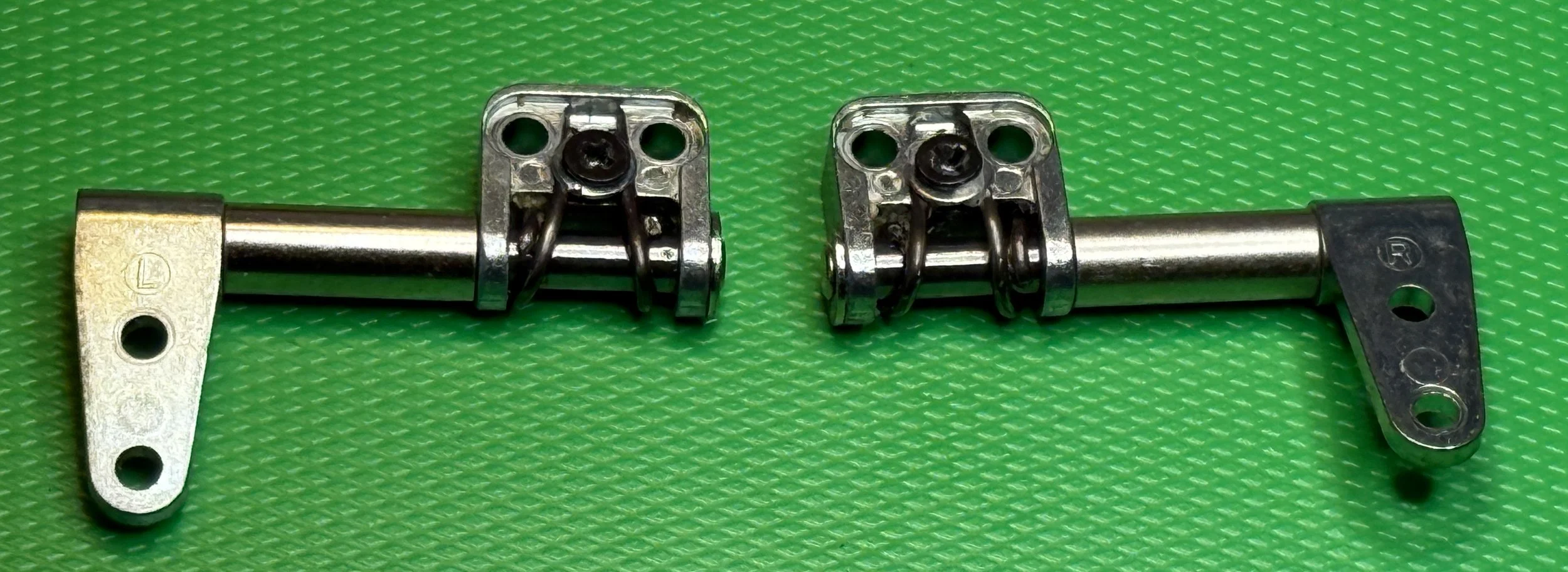
These are the hinges that hold the display onto the eMate. Around the shaft in each hinge is a metal spring which grips the shaft and adds friction so that when you open the hinge it stays open. The spring grips the shaft with just enough force to hold the display in place after you’ve opened it. So far, so good. Now wind the clock forward around 30 years. The grease that was fitted to the shafts turns solid, the shafts become sticky and the springs wrap themselves ever more tightly around the shafts. Until one day you close the display and the top of the spring is forced out from behind the bolt holding it in place. The top of the spring now pushes into the ribbon cable linking the display to the body of the eMate and makes a hole in it, breaking a bunch of tracks. Sometimes the display stops working, sometimes the touch screen stops working. Either way this is a bad thing.
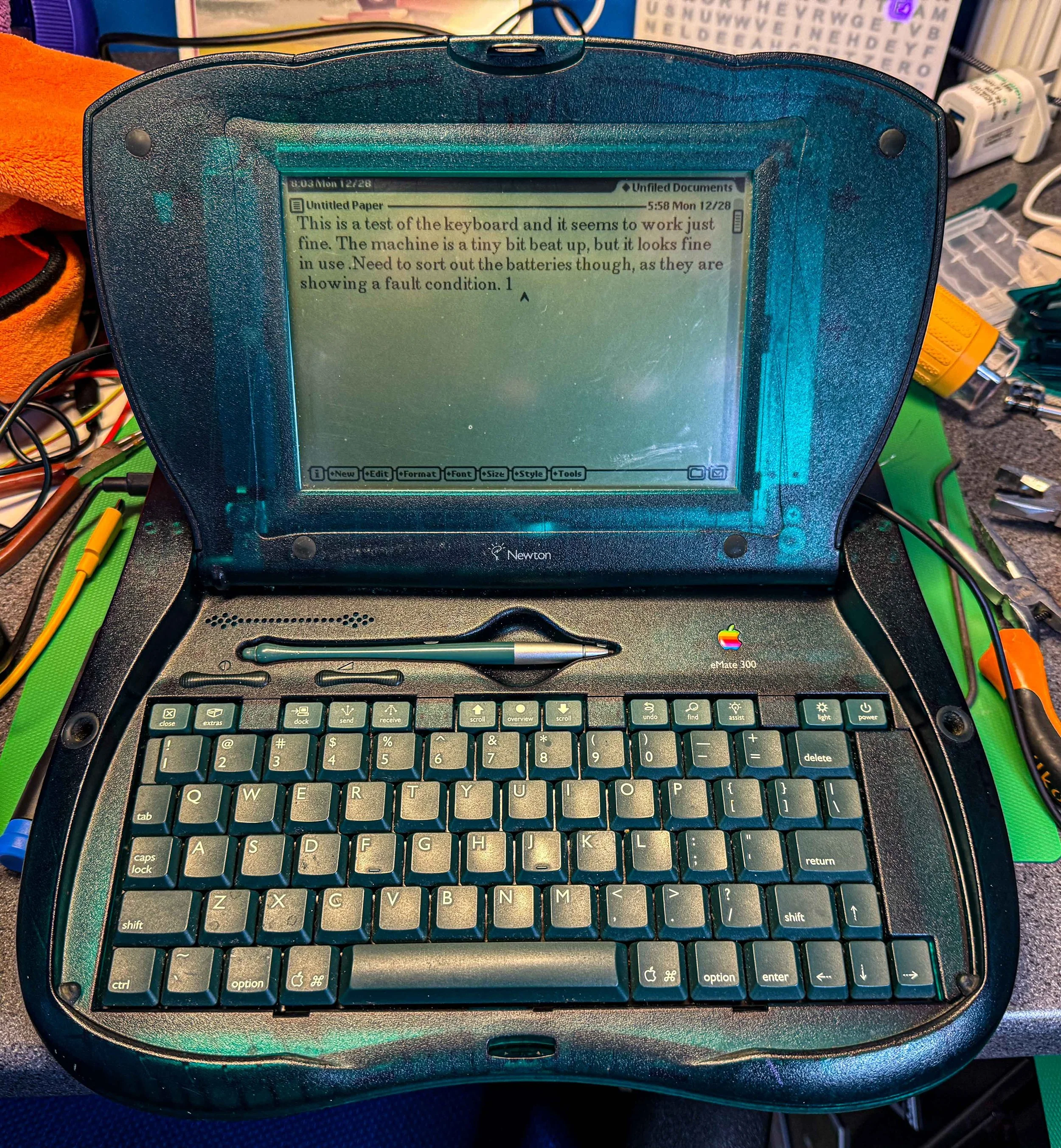
I spent yesterday with my eMates dismantling them, putting oil on the hinges and adding a washer behind the retaining bolt to prevent the springs from escaping from the hinges. I went to bed last night thinking that I had solved the problem. I woke up today and discovered that the touch screen on one of the eMates was broken. Wah!
Turns out that my repair had prevented the end of the spring from popping out. But the spring itself broke, releasing the top of the screen and destroying the cable. I’ve fixed the cause of the problem. I’ve dismantled the hinge completely (something I should have done yesterday), cleaned and lubricated the hinge shaft and adjusted the spring tension by bending the springs a bit. But it is too late for this ribbon cable. I had a go at soldering some tracks around the broken bits but I just don’t have the skills.
Fortunately Joe’s Computer Museum has my back. This is such a common problem that Joe has taken it upon himself to trace the circuit and get a bunch of replacement cables made. I’ve ordered one. Perhaps I should have got a few.
If you have an eMate 300 you should make sure you sort out the hinges. If the lid becomes hard to open, or if you hear a click or bang while opening or closing it you should immediately stop moving the lid and check that the hinge springs aren’t on the prowl. You can find a good description of what to do here.