Ten Ducks!
/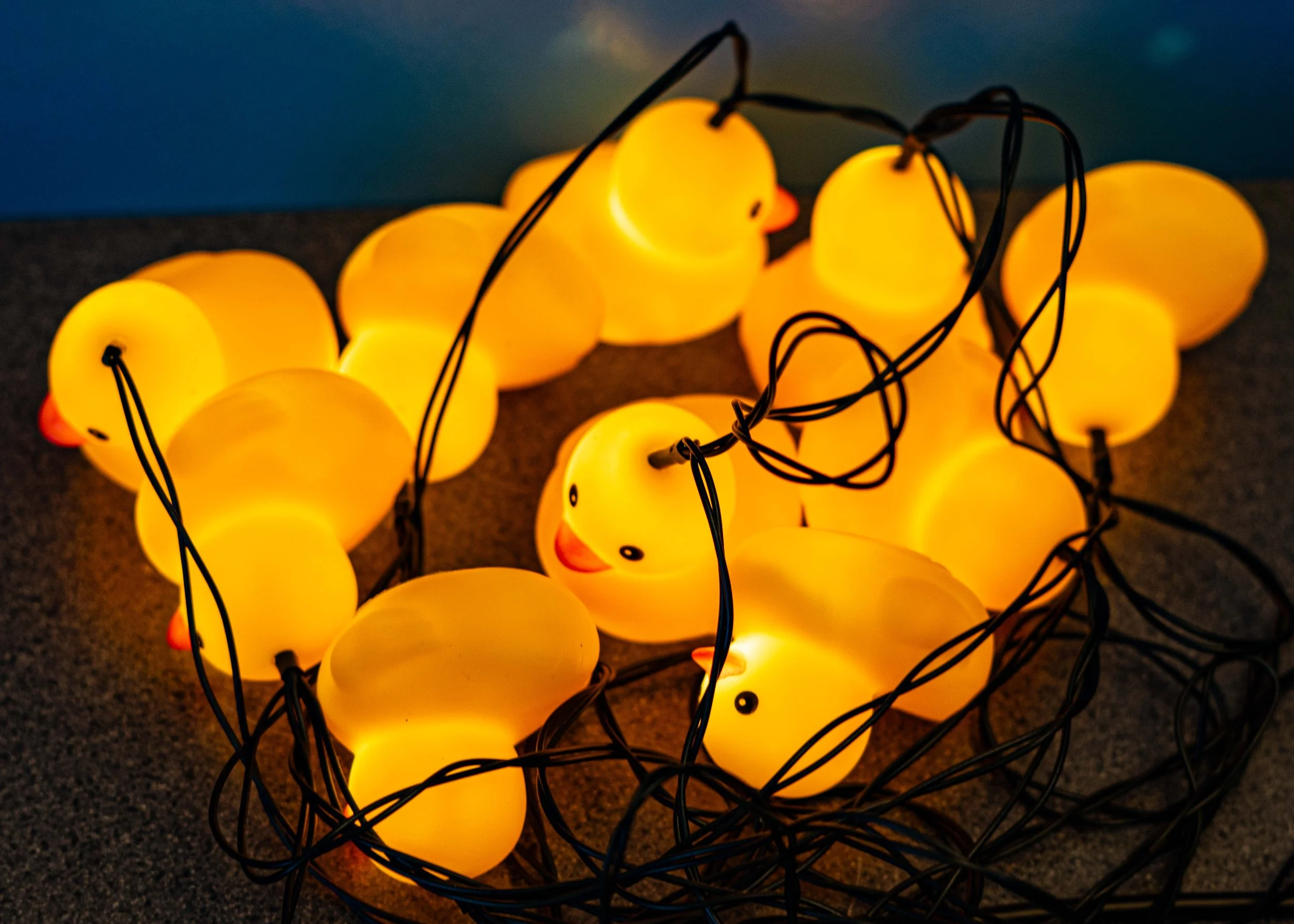
Ten Ducks for ten pounds! And they light up. And they come with a battery pack and a solar cell to power them. All I need now is some hooks. I got them from a local garden centre. Not that I go to garden centres very often….
Ten Ducks for ten pounds! And they light up. And they come with a battery pack and a solar cell to power them. All I need now is some hooks. I got them from a local garden centre. Not that I go to garden centres very often….
By making the Custard Cream Camera I may have stepped on a hornet’s nest of debate about generative AI and the future of creativity. A lot of photographers and artists are very worried about the impact of generative AI on the creative process. I feel their pain. As a writer I know that AI models trained on my words are now writing like Rob Miles. There might even be some photographic models trained on what I’ve posted on Flickr over the years. In which case, good luck to them….
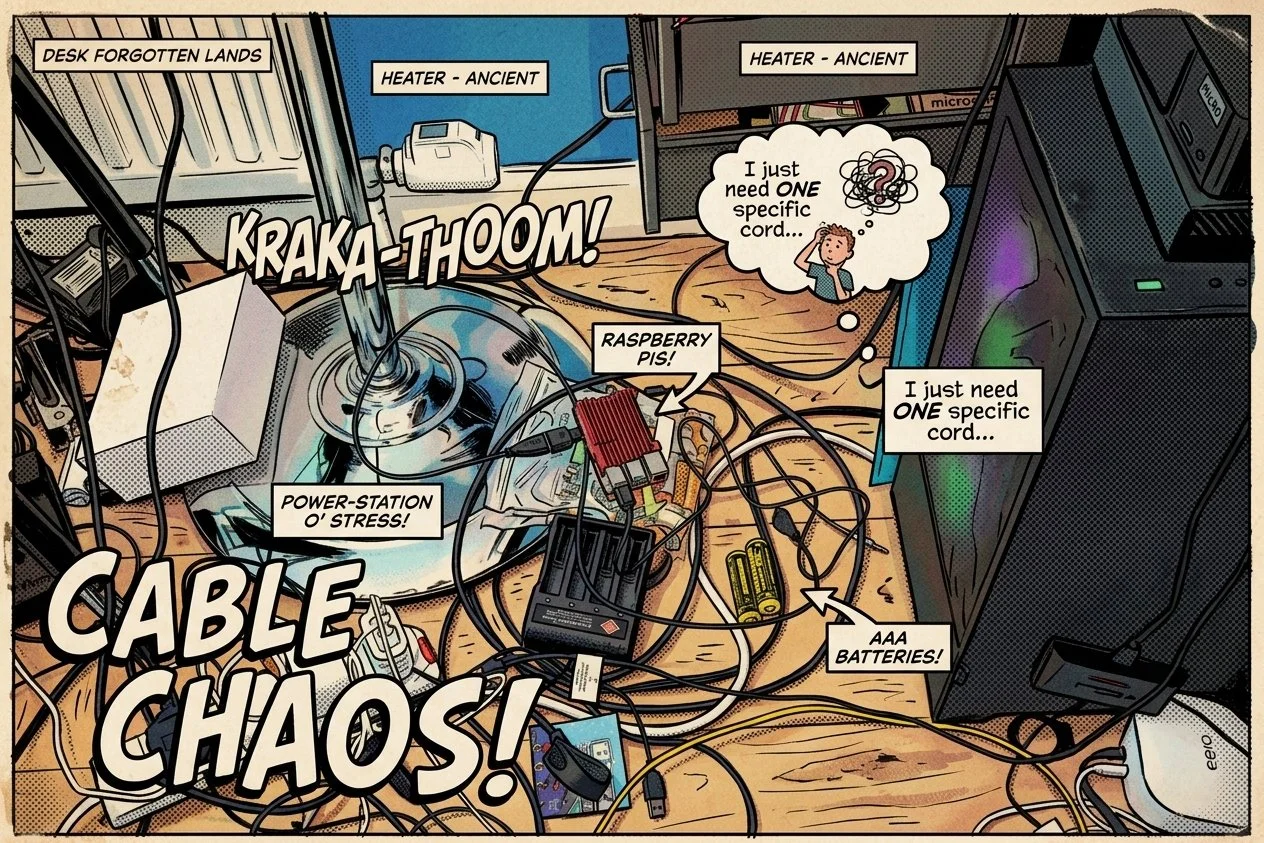
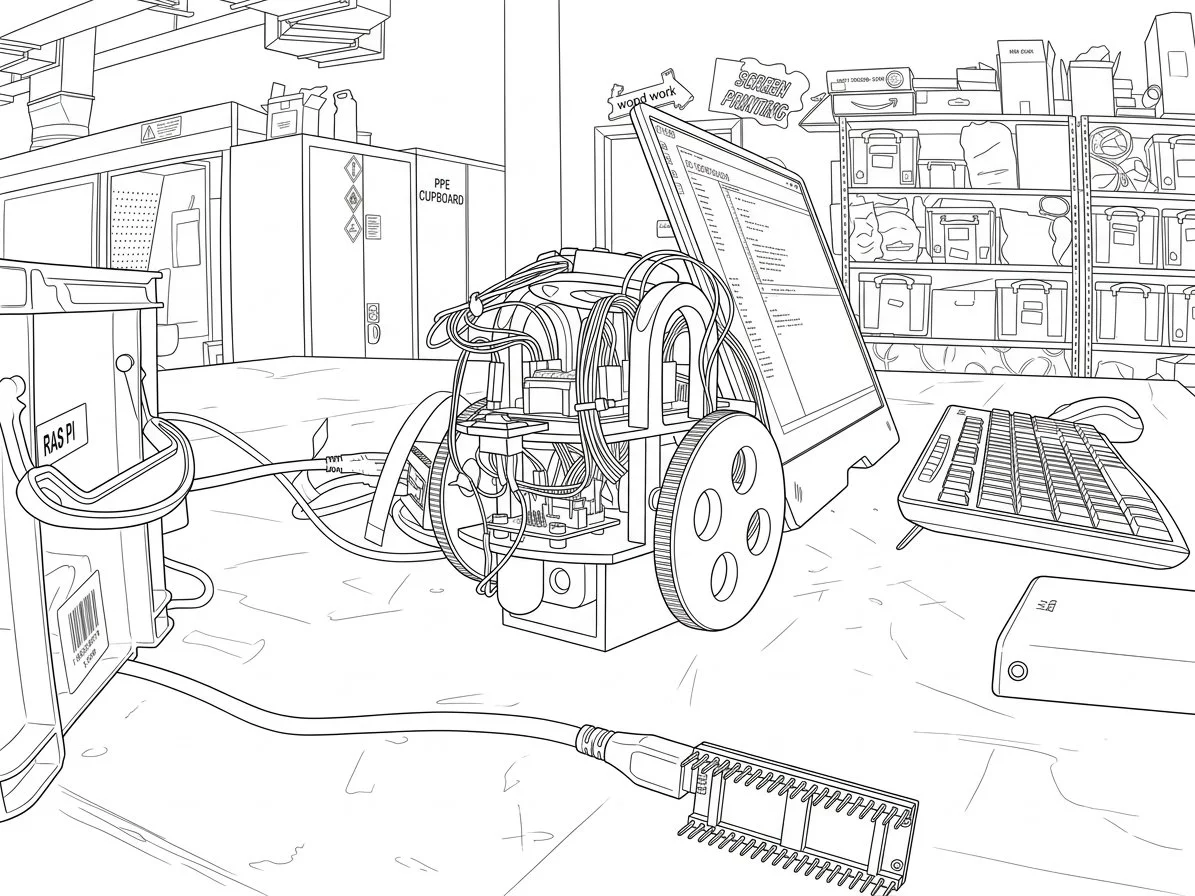
Anyhoo, we can now do things with our pictures that would previously have been time confusing or impossible. I made the picture above by taking a picture with the Custard Cream Camera and asking it to make it look like a comic book illustration. To my untrained eyes it looks OK. To a proper illustrator it probably looks terrible, but I can live with that. I’ve been having a lot of fun taking pictures and then asking the nano banana generative AI photographic thingy fiddle with them.
I understand that the service has guard rails to ensure it won’t do anything “bad” and I have a policy of never posting identifiable pictures of anyone but me unless I have the explicit permission of the person in question, so I don’t think I’m putting anyone at risk here. But we do need to be mindful that we are now entering a time when it is much, much, easier to fiddle with media or even create brand new stuff.
Of course, this has happened before. When photography came along I’m sure that lots of artists were very upset that there was now a much easier and cheaper way of making pictures. And when word processors with grammar and spelling chequers arrived there was much muttering about how this was making things too easy. And don’t get me started about the replacement of log tables by calculators.
You might argue that we really should put this genie back in its bottle, that this form of human replacement is going to do away with creativity as we know it and usher in a world where everything is made by machines driven by what they have already seen. And so nobody should use generative AI for anything. I’m sure a similar argument was put forward when photography was getting started.
I kind of feel the reverse. I think we should fiddle with this technology as much as we can. And we will discover limitations. We’ll learn how to spot what was made by AI, we’ll lament the lack of the human touch in generated works. And we’ll find we prefer things made by people. Creatives will find ways to use this stuff that we just don’t know about yet and the world will move on, richer and more interesting. And I’m going to keep taking analogue pictures on film as well as playing with the Custard Cream Camera.
Secure Sockets are super useful. And it is worth knowing how to set them up for use on a Raspberry Pi. I’m just documenting these things here so that I can refer back to this post whenever I need to remember what to do.
The situation is this: You’ve just set up a new Raspberry Pi using the wonderful Raspberry Pi Imager software. You’ve set the machine name, enabled SSL and configured the WiFi so that the Pi will wake up and connect to your network. Next you need to make it easy to connect to. Let’s start with the first part, creating an SSL identity on your new Pi.
You perform this first step on your Pi. You’re going to make a folder to hold keys and a unique key that will identify this device. The first thing you do is connect from the console on your computer (in my case a Windows PC) to your new Pi. If you’ve set the Pi up to use SSL and Password authentication (which is what I do) then you open a command prompt on your PC and type:
ssh printserver.local -l rob
The ssh command above has two arguments. The first is the network address of the machine on the local network. This is the machine name followed by “.local”. I’ve just made a new machine called printserver, so I’m going for printerserver.local. The second argument (after the -l - which is lower case L by the way) is the username that you created on the Pi. If you leave this out the ssh call will use the username from the machine you are using to connect. If you call yourself the same name on everything this will work, but it didn’t for me. I created the pi with the username “rob” because I am an egomaniac. Your name might be different.
After you have entered this command you will be asked to confirm that you want to add this machine in your local key store on your PC. You do, so say yes. Next you will be asked for the password for the user on the Pi (in my case the password for rob) and then you will be logged in as a terminal user on the machine.
Now you want to give your new machine a unique identity in the world and set up a key storage location. Issue the command below:
ssh-keygen
You will be asked a series of questions. Just press return after each of them. Now you have a key storage on your device, along with an SSH key for that device. Now you switch back to the terminal on your PC. What you are going to do now is copy the key from your PC onto your new Pi. This is good because it means you’ll be able to open an SSL ternal session without entering a password. It’s also good because any programs that want to use SSL (for example Visual Studio Code remote terminal) will be able to work seamlessly.
cat ~/.ssh/id_ed25519.pub | ssh rob@printserver.local 'mkdir -p ~/.ssh && cat >> ~/.ssh/authorized_keys'
This is one long command. For the record, cat is a command to copy files, I sent mine using the username rob and to the device printserver. You will probably need to change your command. This pre-supposes that you already have keys on your computer to send. You can use the command ssh-keygen on your computer to set that up first if you need to.
If you have done everything right you should be able to login using the ssh command we saw at the top of the post and not be asked for a password. Which is nice.
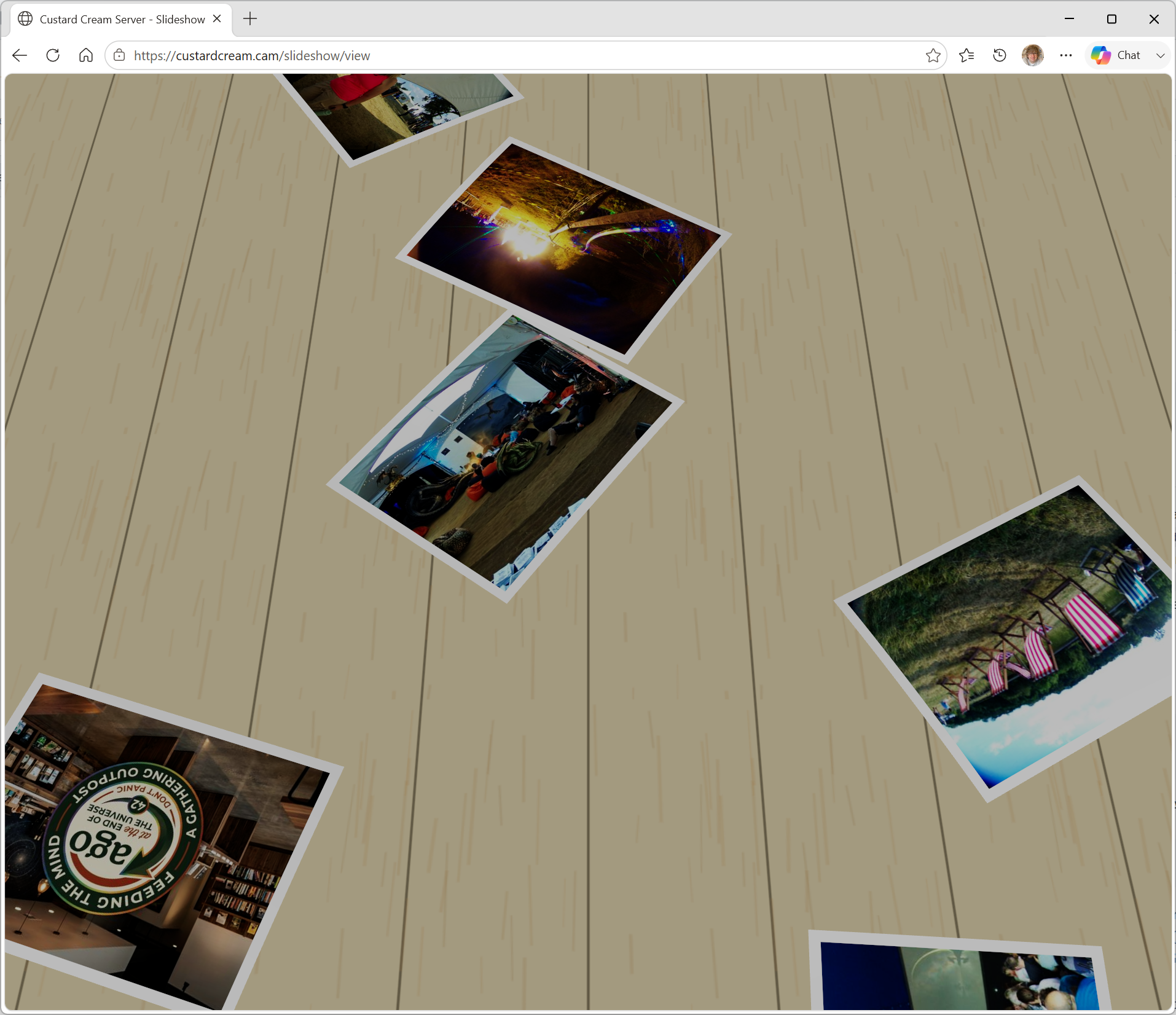
I should probably make it display the pictures the right way up
One of the things I liked the most about the PlayStation 3 was a photo display mode which showed your pictures being dropped onto a table as if they were physical photographs. Yesterday Claude and I had a go at replicating the experience in the browser. I think we are getting close. There’s a funny sliding movement when the picture hits the table that needs work and I want to add some more lighting effects, but it is quite fun to watch. If you want to see it in action, head to https://custardcream.cam/ and click “Watch the slideshow”.
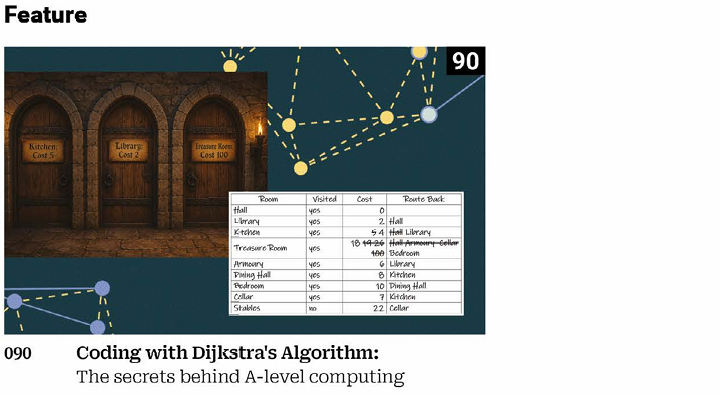
The latest issue of Raspberry Pi magazine is now out. It contains my article about Dijkstra’s algorithm and how to use it to find both treasure and Hull (assuming they are not the same thing).
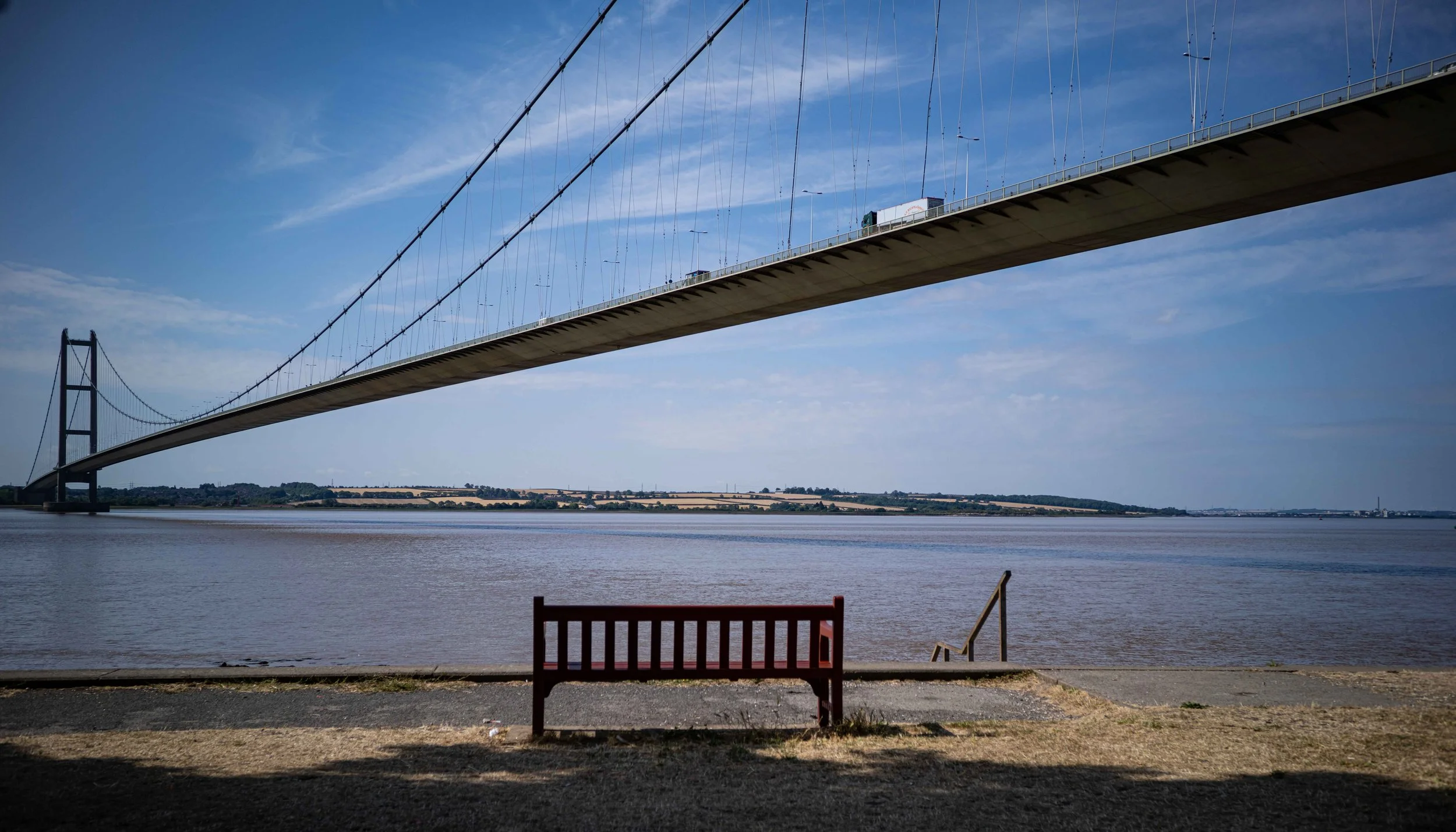
We went up to the Humber Bridge today. It was very nice, but very dry.
The Custard Cream Camera sends images to Google Nanobanana for processing. You speak your commands, for example “Add cheese”, and the image and the command are sent over the internet. When I started doing this I was a bit worried about the cost of using AI like this, but it turns out to be bearable. I did a lot of processing at emf, and we’ve been playing with the camera this week, but I’ve only used around six pounds worth of the service. If you fancy having a go with it, don’t let the price put you off.
I expected Toy Story 5 to be as fresh and interesting as the fifth episode of any 30 year old franchise would be. But actually it was a lot better than that. They still have the Pixar magic, the new characters worked well and the story was as thought provoking and uplifting as any Pixar movie. Worth a trip I reckon.
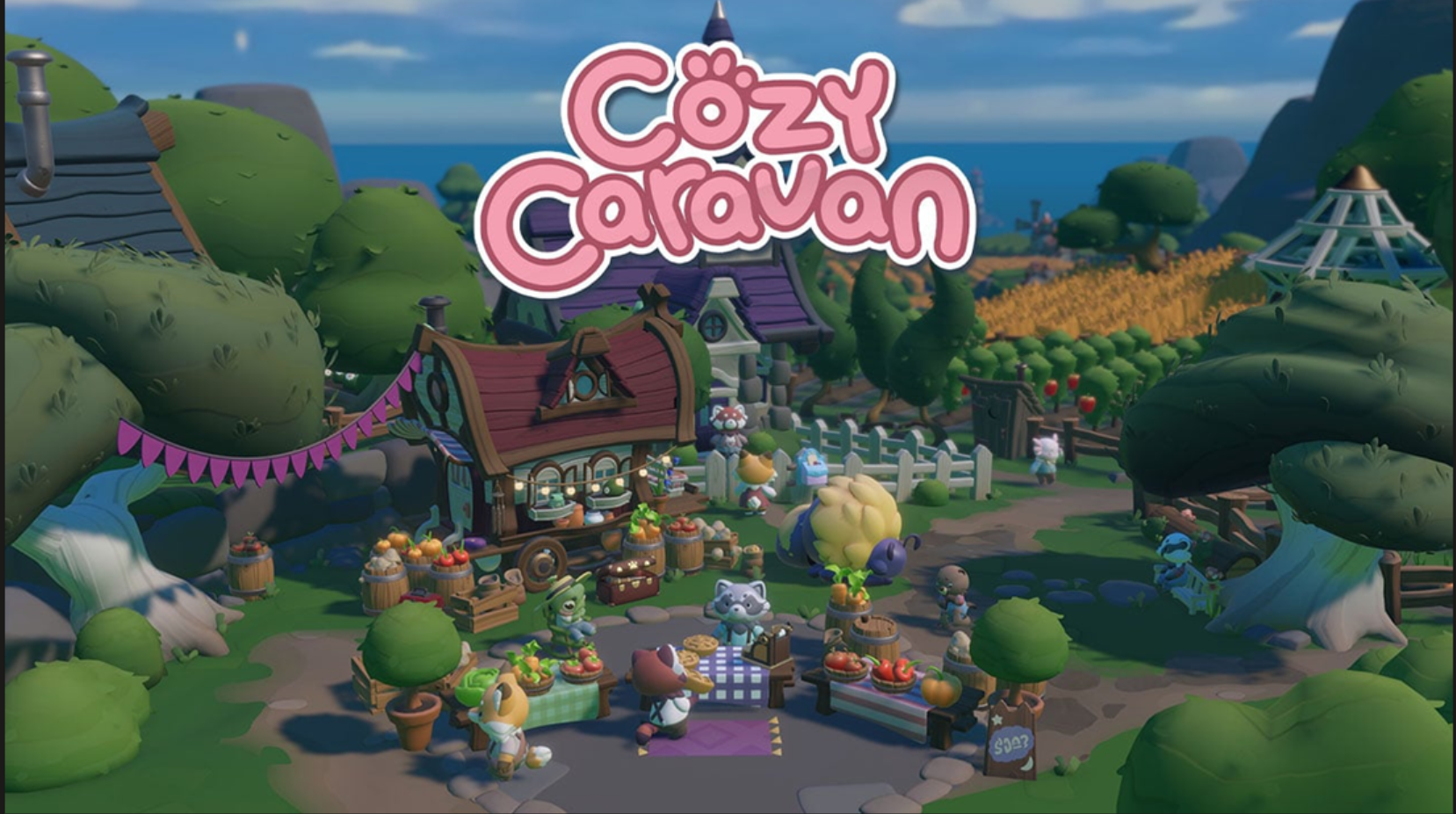
Cozy Caravan is a cute little game where you drive your caravan around doing nice things for other folks. It’s very relaxing, everyone is pleased to see you and everything you do seems to have a happy ending. It’s in the sale at Nintendo at the moment too, which is even nicer.
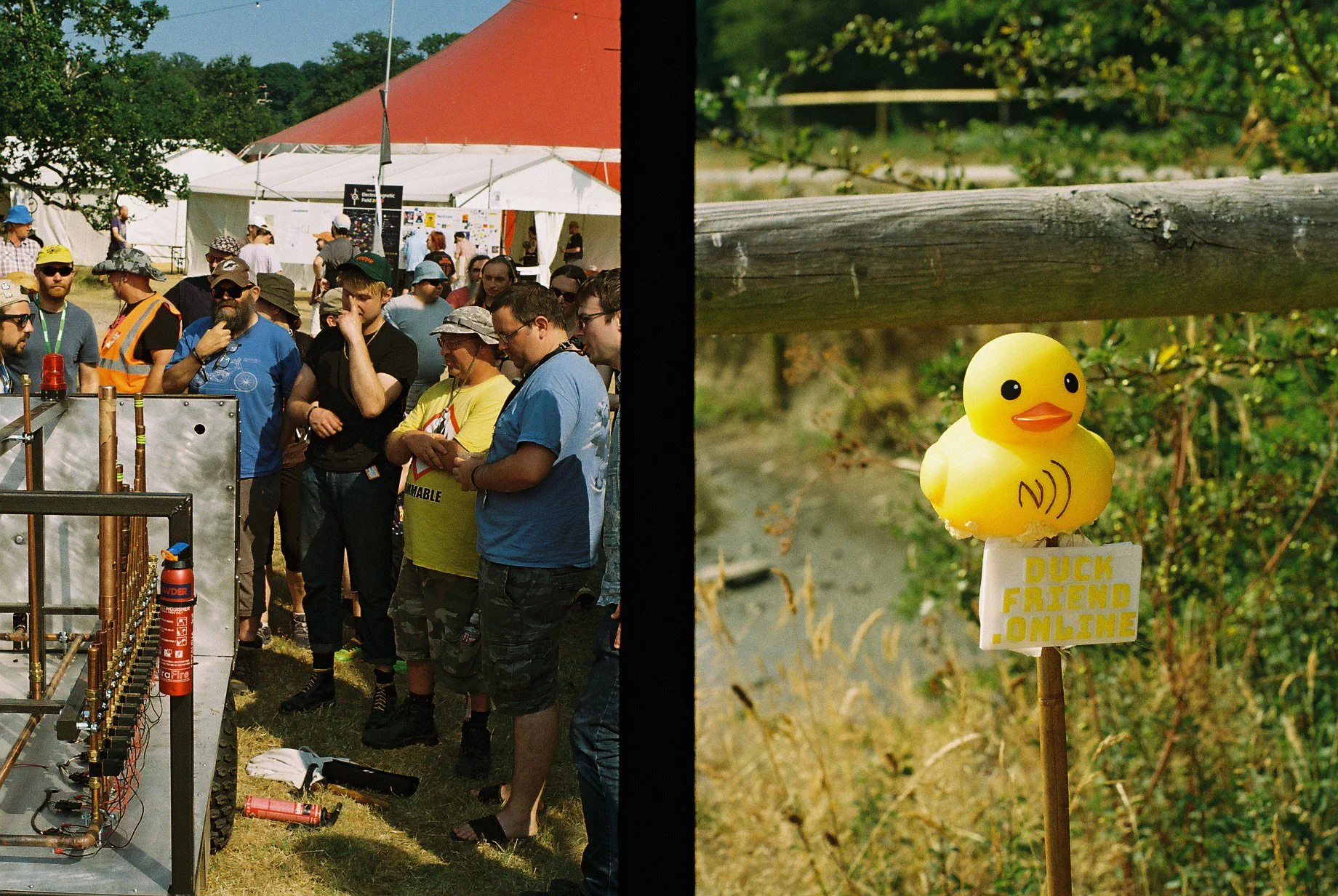
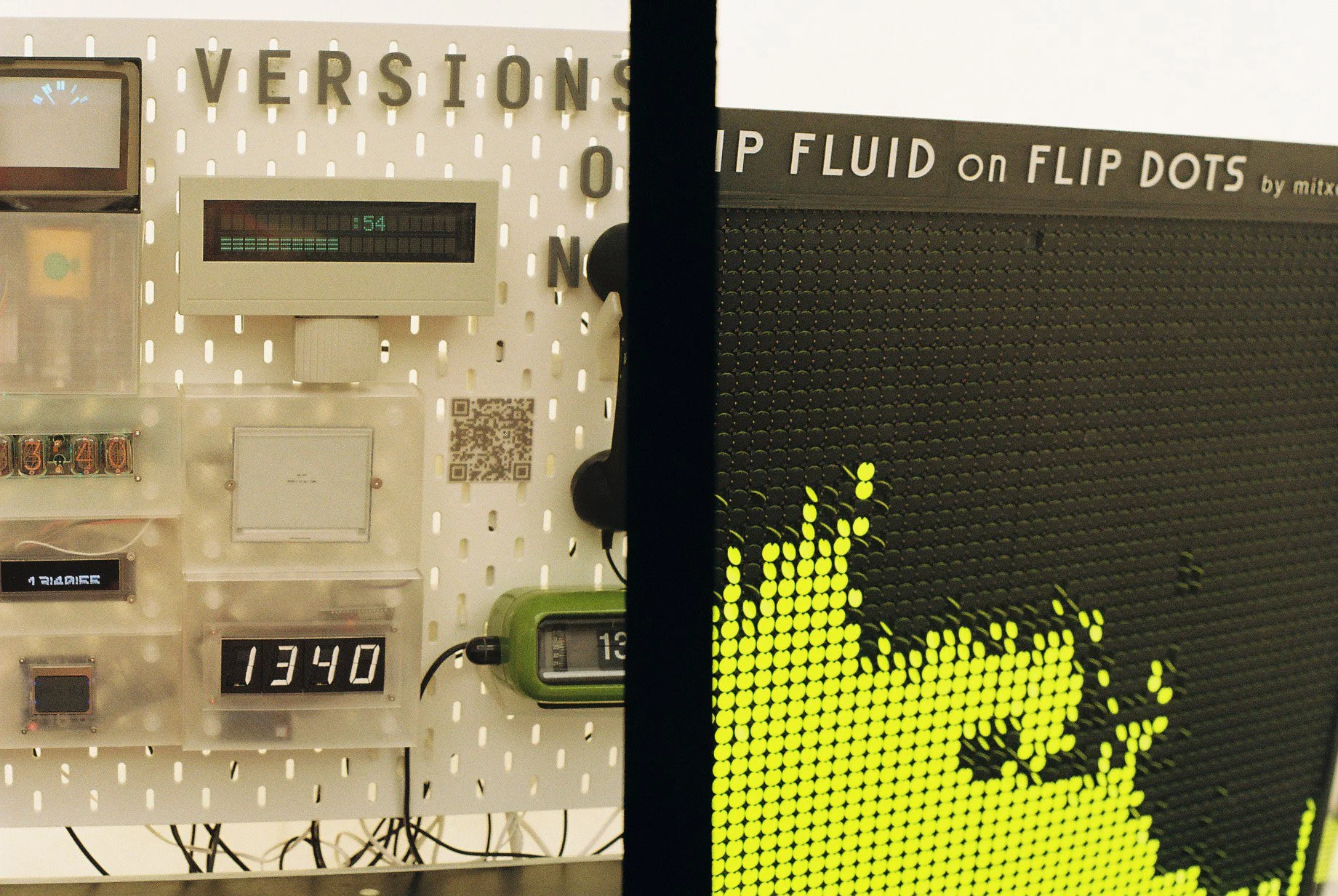
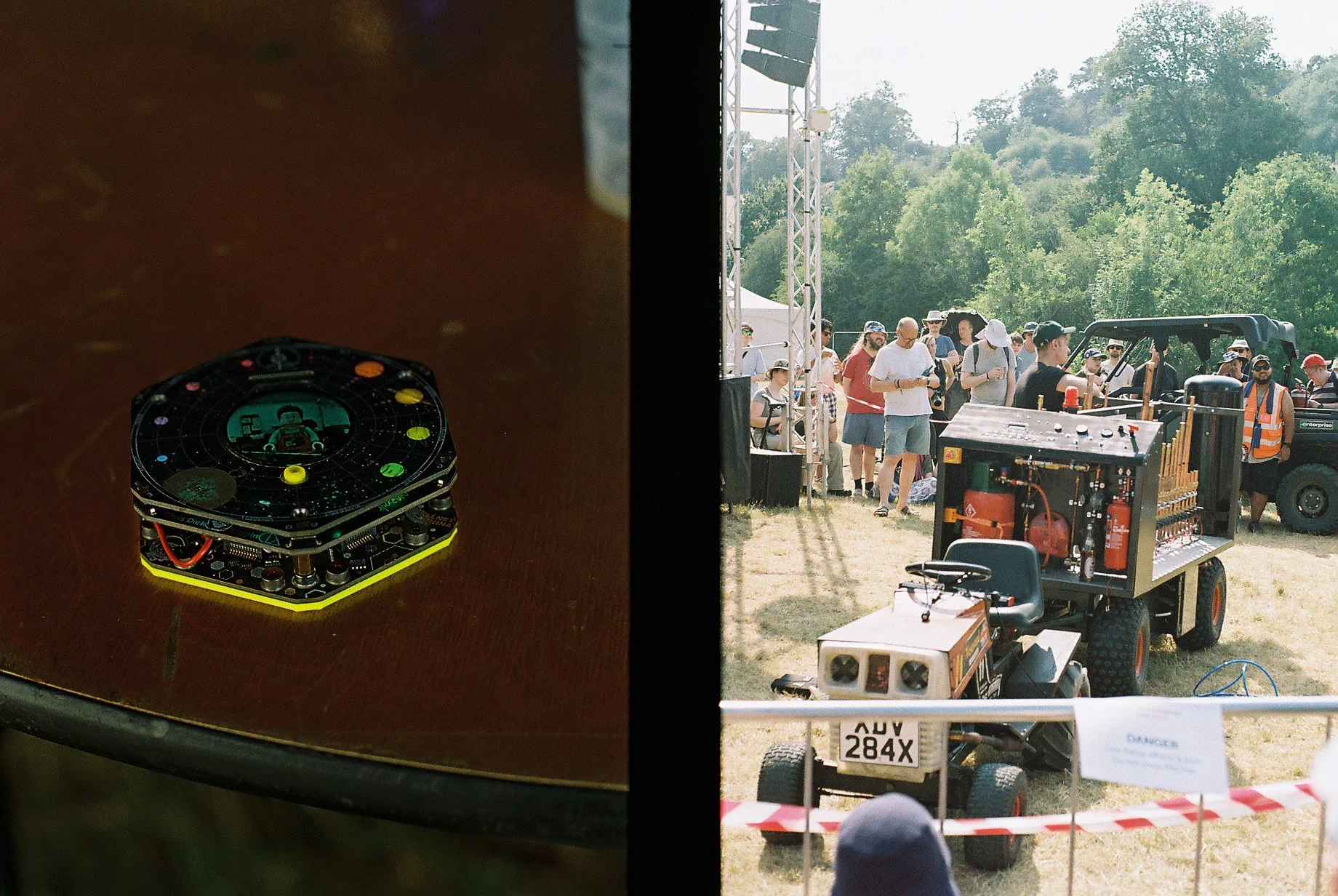
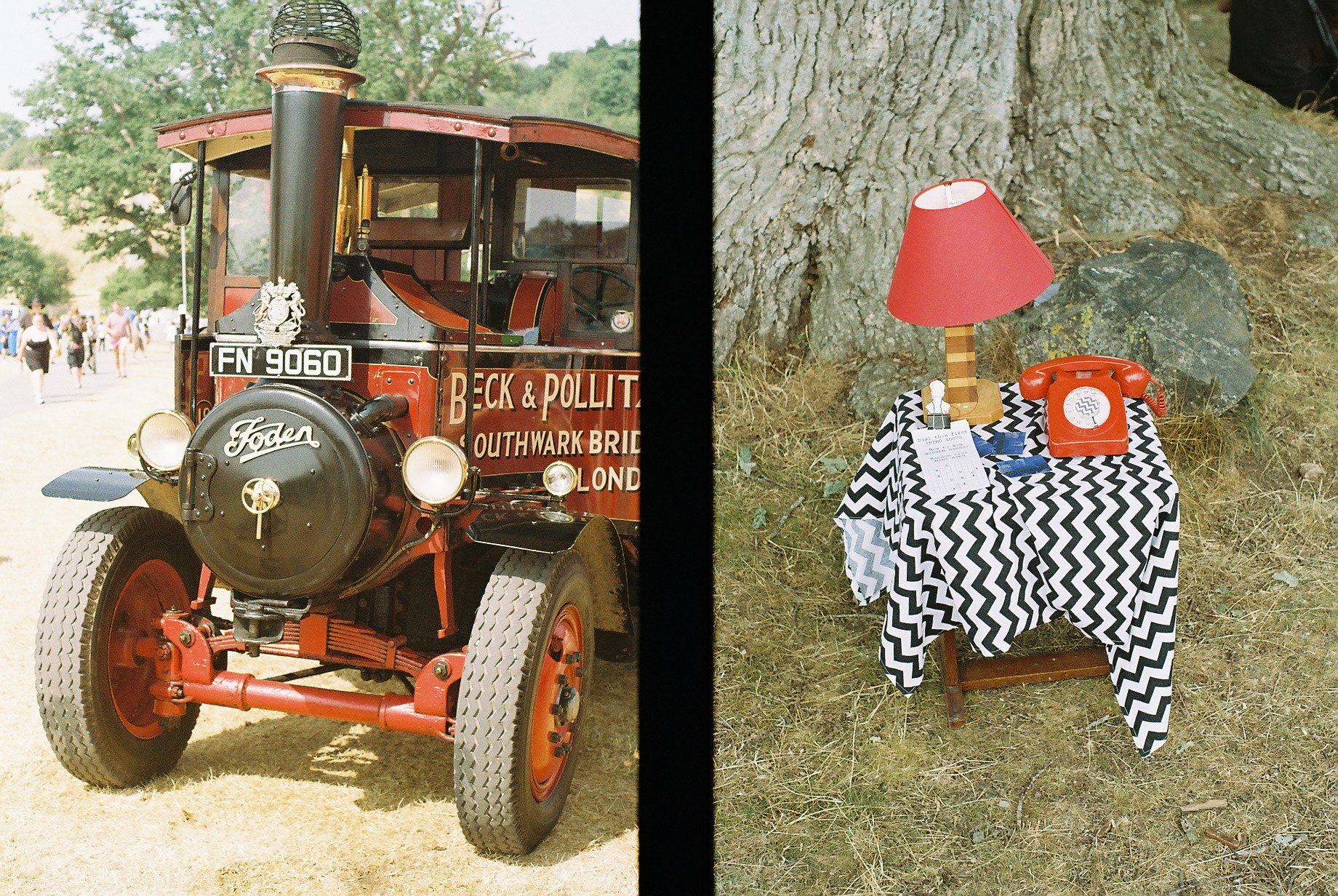
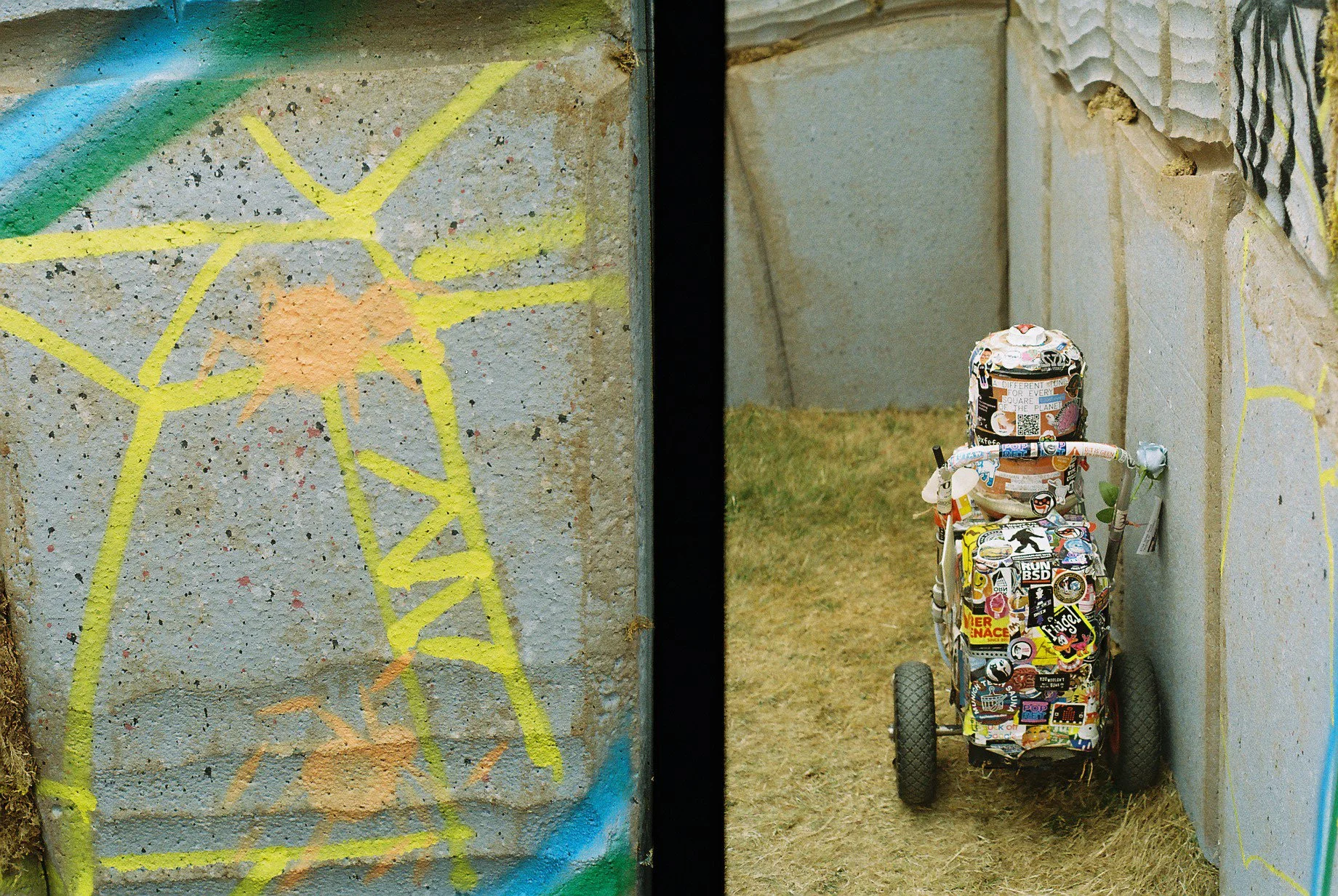
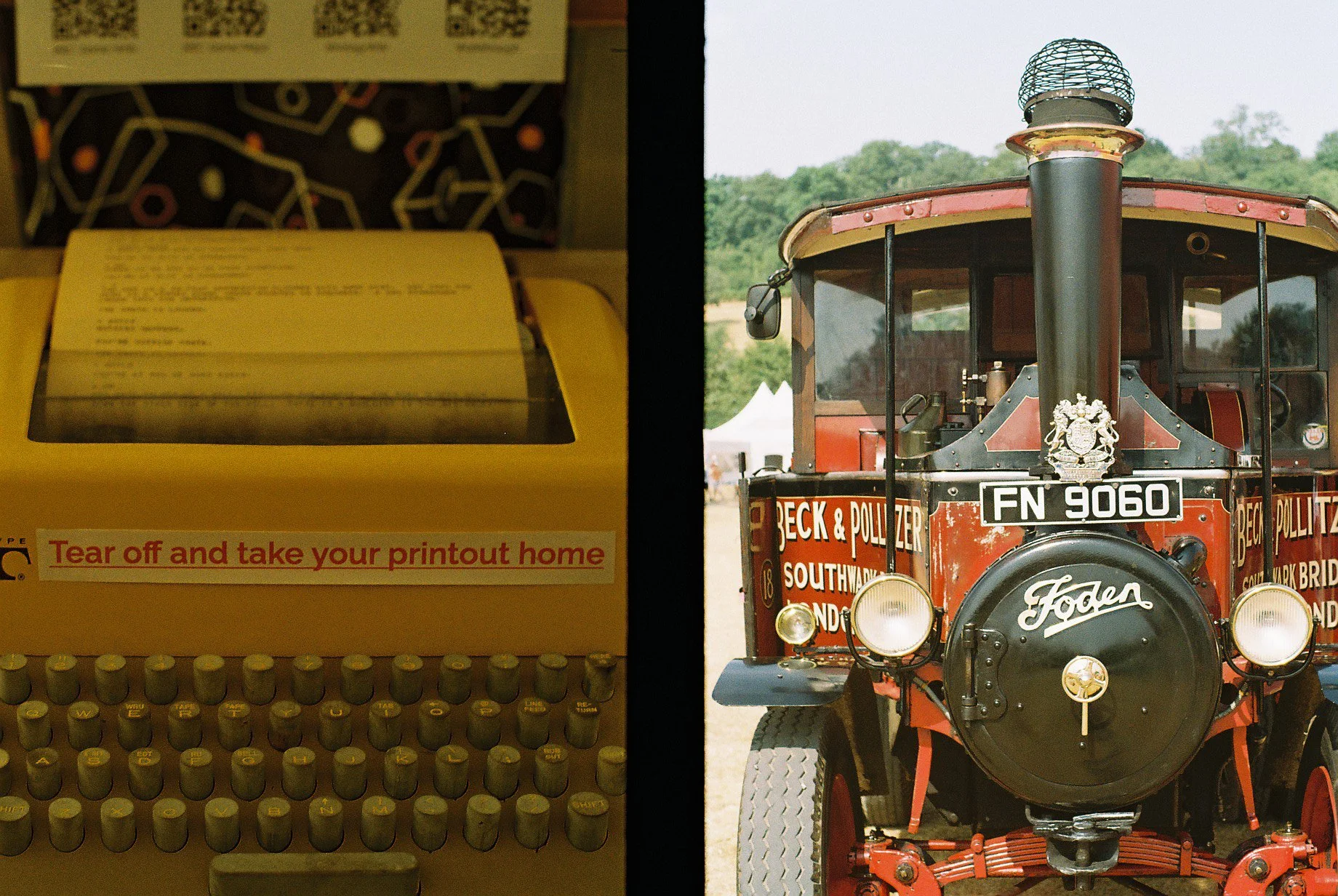
I took my half-frame camera to EMF last week. I’ve just got the pictures back from processing and I’m quite pleased with how they came out. And yes, that is Look Mum No Computer showing off his flamethrower organ.
I quite like dew-lumen-shell
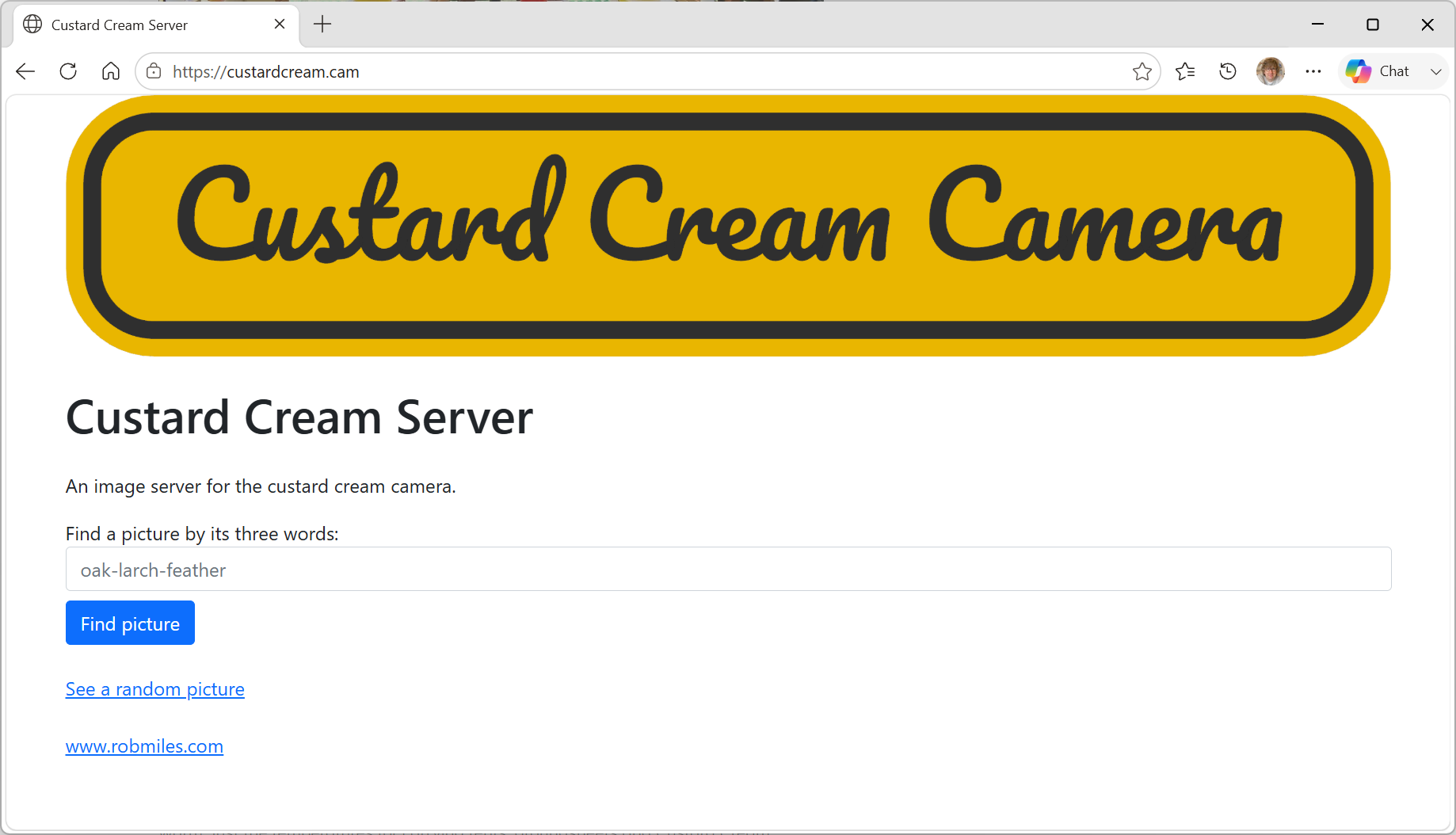
The Custard Cream Camera is backed by the Custard Cream server, which you can find at: https://custardcream.cam/ The camera has a “publish” command that sends pictures to the server for the whole world wide internet to scrape.
You find pictures by their unique three word address or you can just view random shots. The really interesting thing about this server is that it is running on my desk. I’m using a Raspberry Pi 5 to host everything. It’s connected via a Cloudflared connection which does all the clever mapping between the domain name (custardcream.cam) and the node.js application that hosts the site.
It really is very easy (and surprisingly cheap) to get a web presence using a tiny computer you might already own and a little bit of configuration.
I got some nuts as well
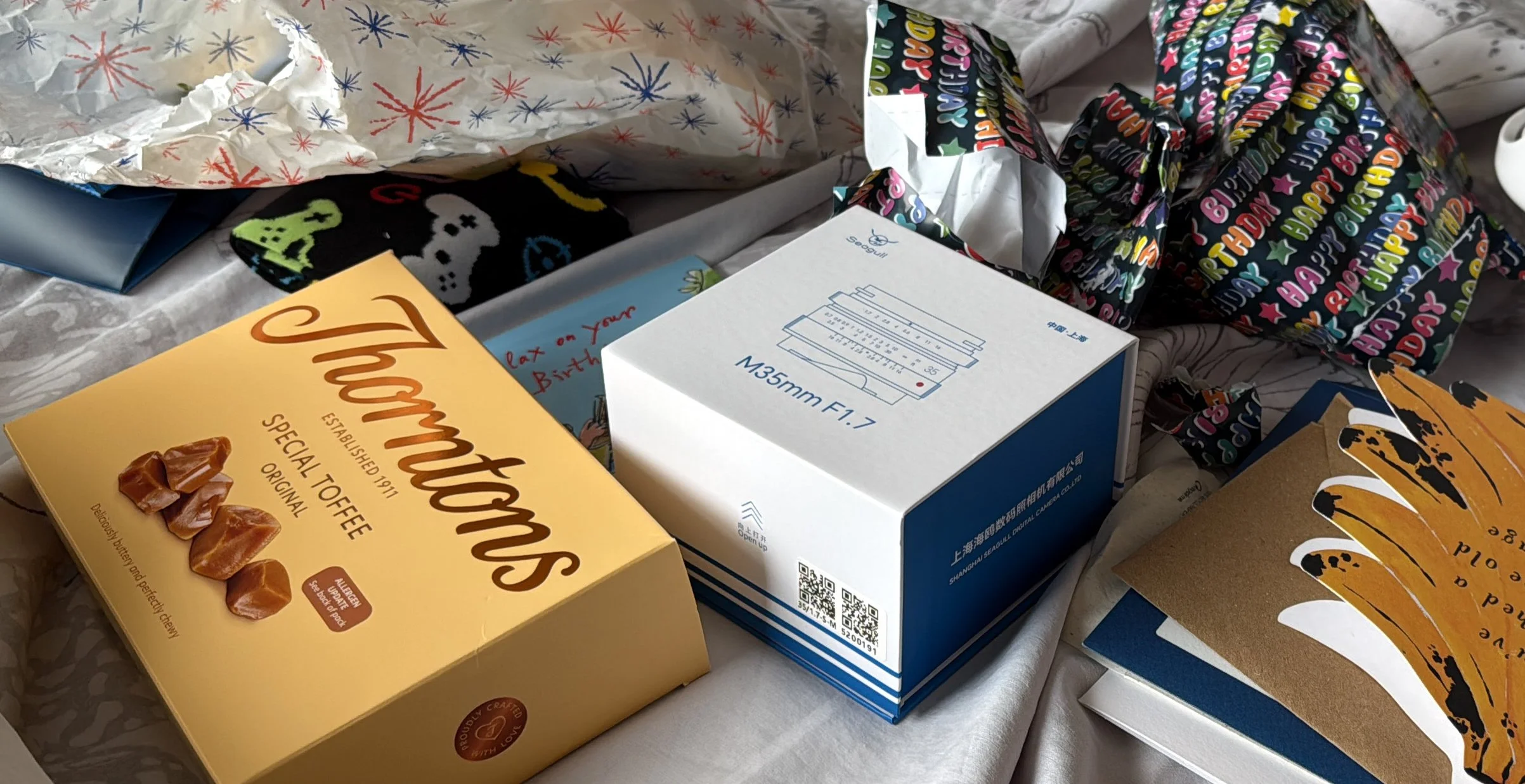
Had a splendid birthday today. Started with breakfast in bed plus presents and cards. I’ve been after a “Seagull” lens for a while. And now I’ve got one. I had a nice morning fiddling with code, lunch out and then headed to see The Odyssey movie. It. Was. Awesome. Proper film making on a huge scale. We saw it on a “normal” screen and it looked very good. I’d love to see it on a larger one, or better yet on Imax film. If you are wondering whether it is worth the trip, take the advice I saw at the end of one of the reviews I read. “Find the biggest screen you can and go and see it”.
The camera will make line drawings too
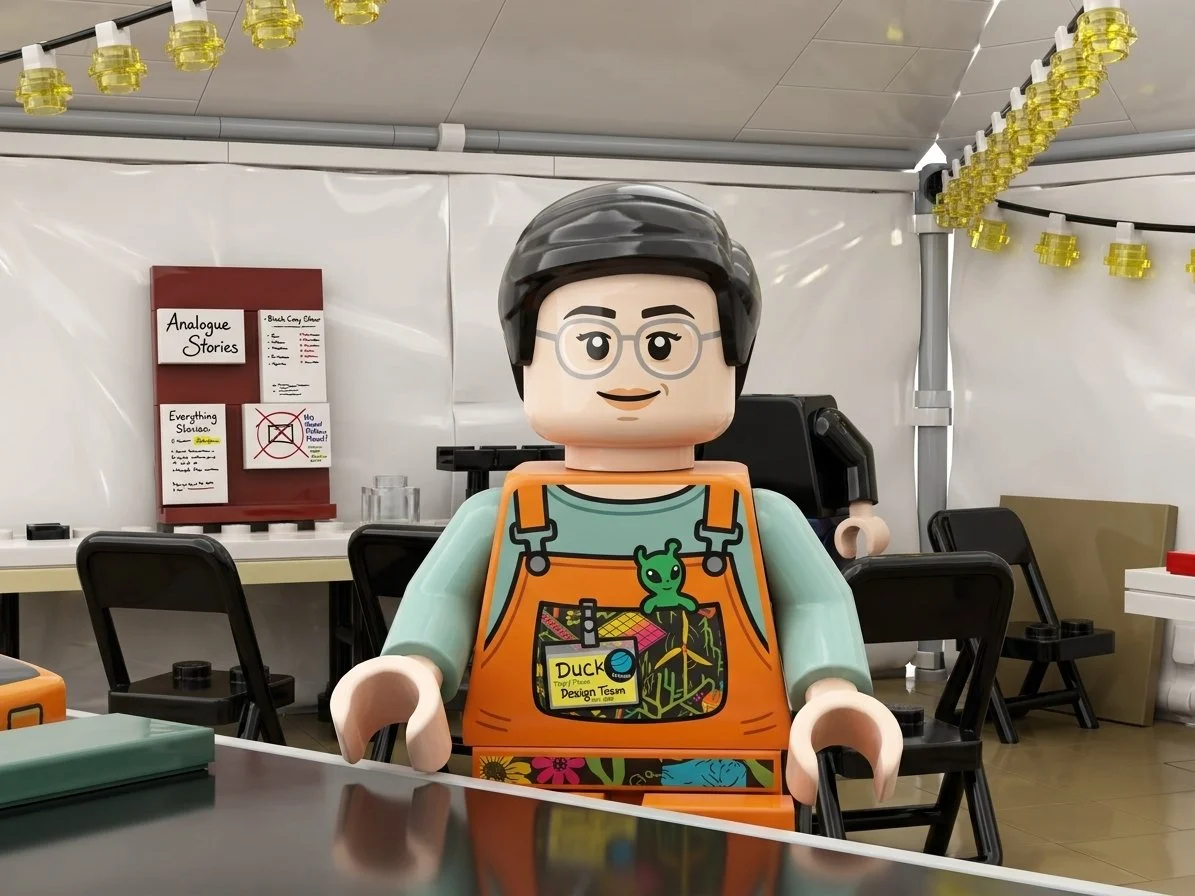
We had a nice Hardware Meetup today. I took the Custard Cream Camera along and turned a few folk into Lego. I’ll have it at the next meetup, maybe by then I’ll have made the printer work reliably.
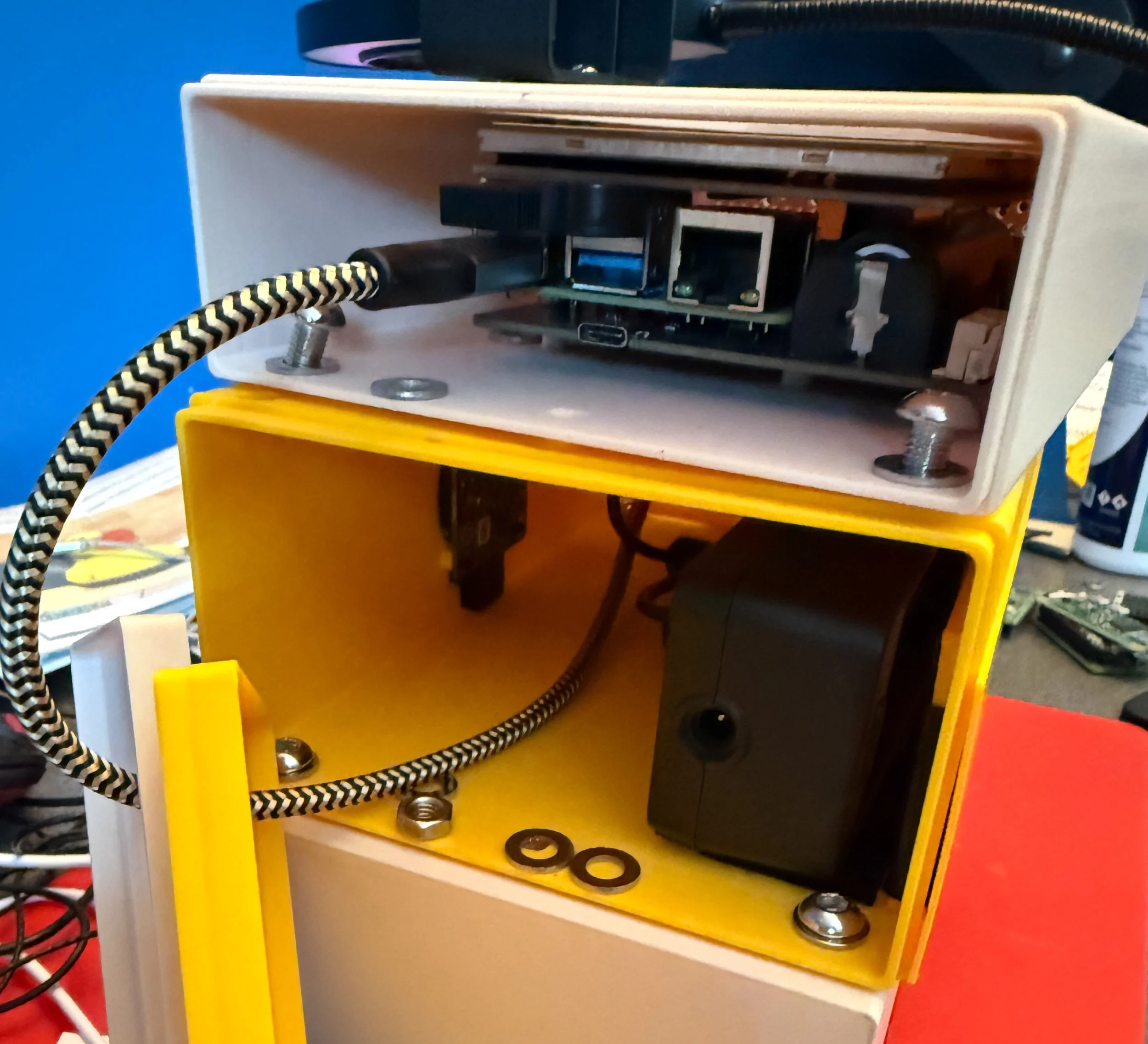
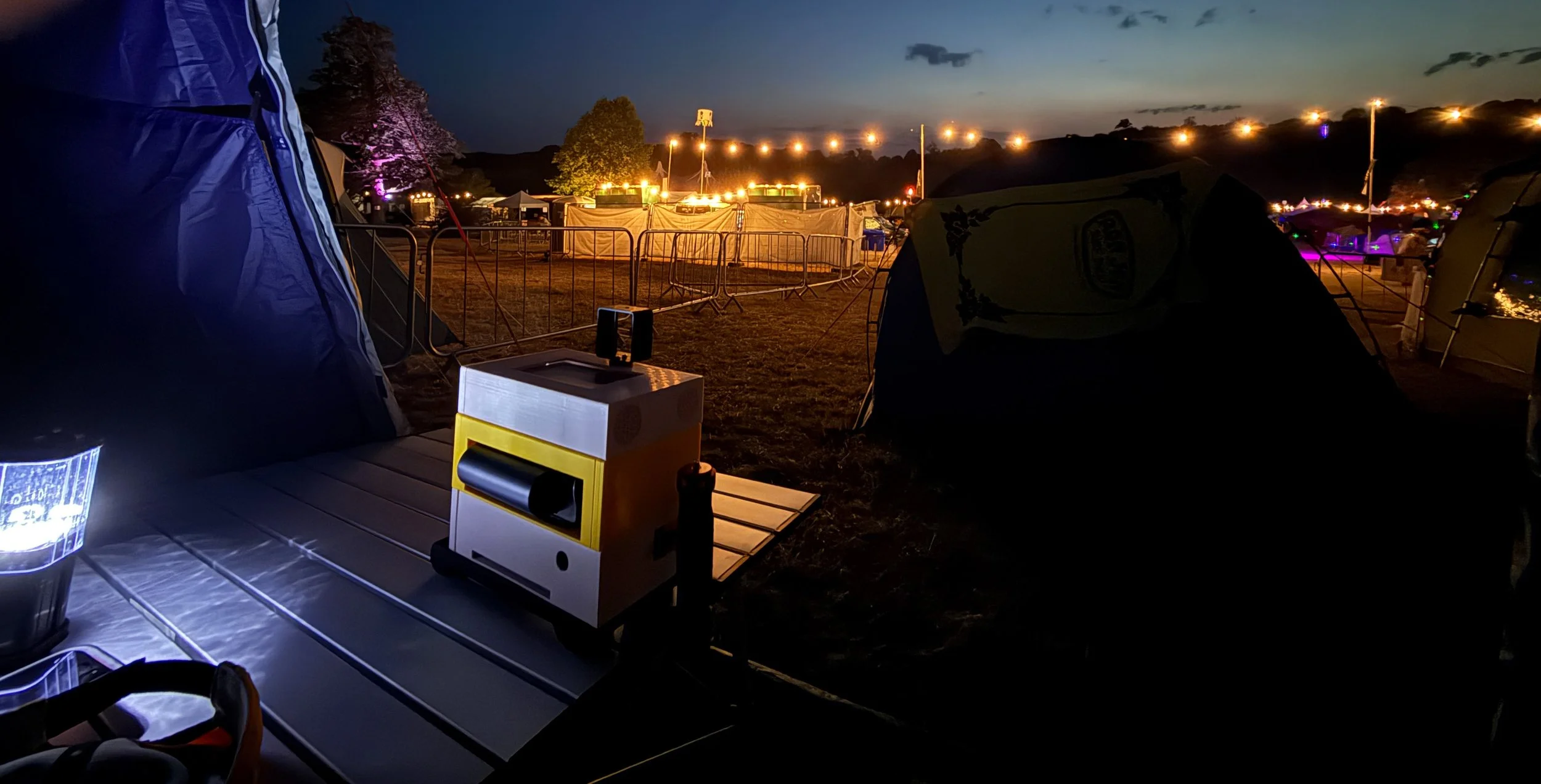
On the top you can see the Raspberry Pi that controls everything. Underneath is the printer battery holder and the Raspberry Pi HQ camera module.
Every now and then at emf someone would ask me if the nut, bolt or washer they’d found on the floor was from the Custard Cream Camera. It usually was. I’d got everything nice and tight when I built the camera, but the jostling must have worked things loose. Also, I think that PLA (the filament type that I used) tends to deform when compressed, which loosened things. I’m going to have to add some locking nuts and maybe some varnish to hold the parts of the case together.
We were up bright and early to pack up and get on the road. Time taken to pack the bags and get everything together: 20 minutes. Time taken to get folding table back into its bag: 20 minutes.
It has been an amazing event. Best one ever by a considerable margin. The weather helped, as did the huge range of talks and installation, but the best bit for me was the people. Everyone was interesting and interested. There were lots of things I would have love to have gone along to, but I’d have needed several of me to get the most out of the time here. The good news is that a lot of the presentations will find their way onto YouTube so I can take a look at them later.
Huge thanks to everyone who made it possible.
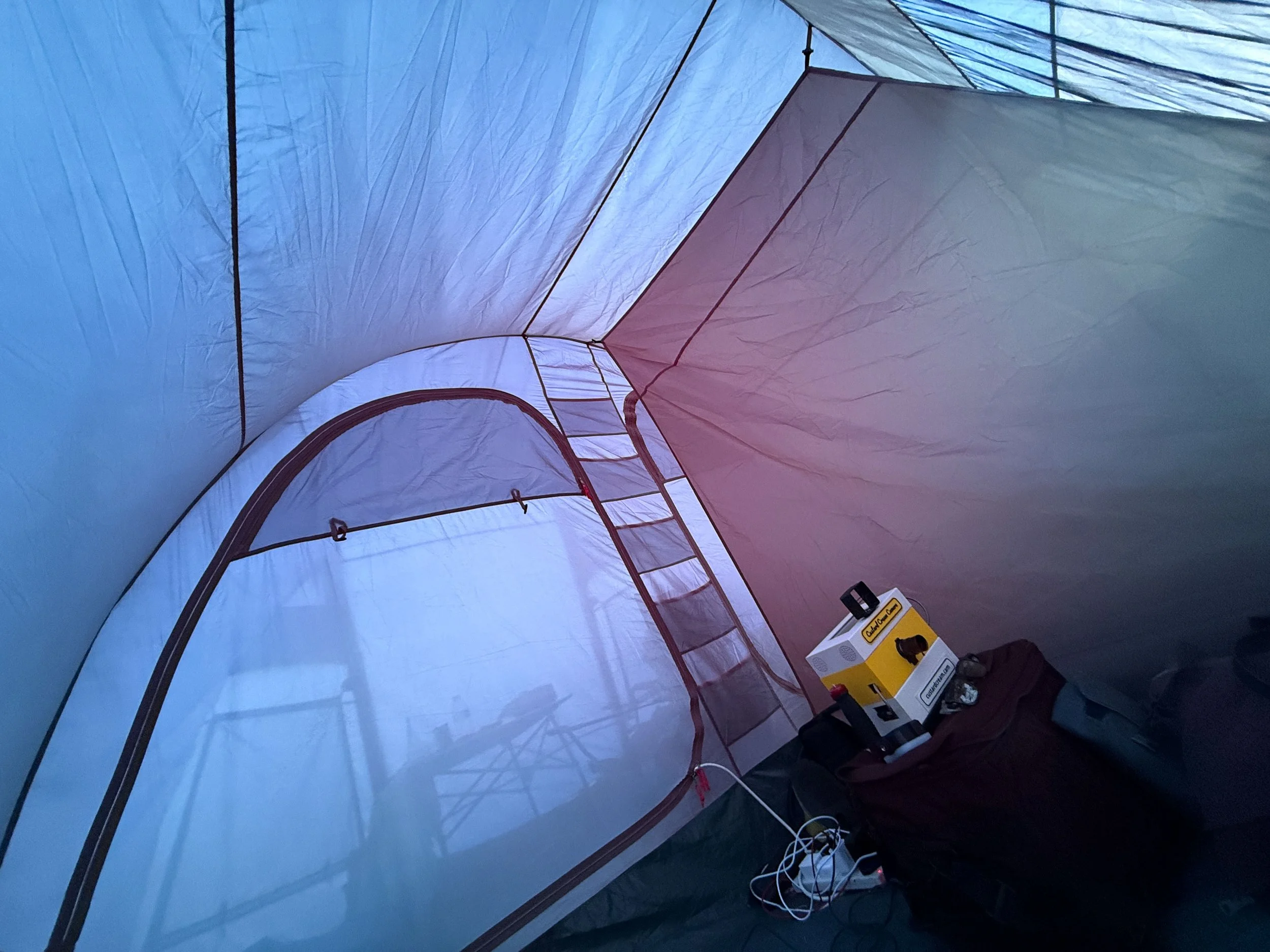
Waking up with the Custard Cream Camera
Today is the last day of EMF. Which is sad. I spent the morning learning about Canbus and the afternoon I went to sessions about the Tildagon badge design and PAL TV amongst other things. Then, in the golden hour just after sunset I took the Custard Cream Camera for a walk and grabbed a bunch of pictures, printed them and handed them out. When the outside light failed I took the camera into the Null Sector nightclub and tried to make it work with the available light there. Which was great fun. Thanks to all my patient subjects.
Sometimes the camera heard “turn into Logo” rather than “turn into lego”
We also went along to the closing ceremony, where all the volunteers took to the stage. There were so many that there was concern that stage wouldn’t support them all. Hundreds of people gave up their time to make this amazing non-profit event. The best news came right at the end, when they told us they were planning for emf in 2028. I’ll be there, with whatever the Custard Cream Camera has turned into by then.
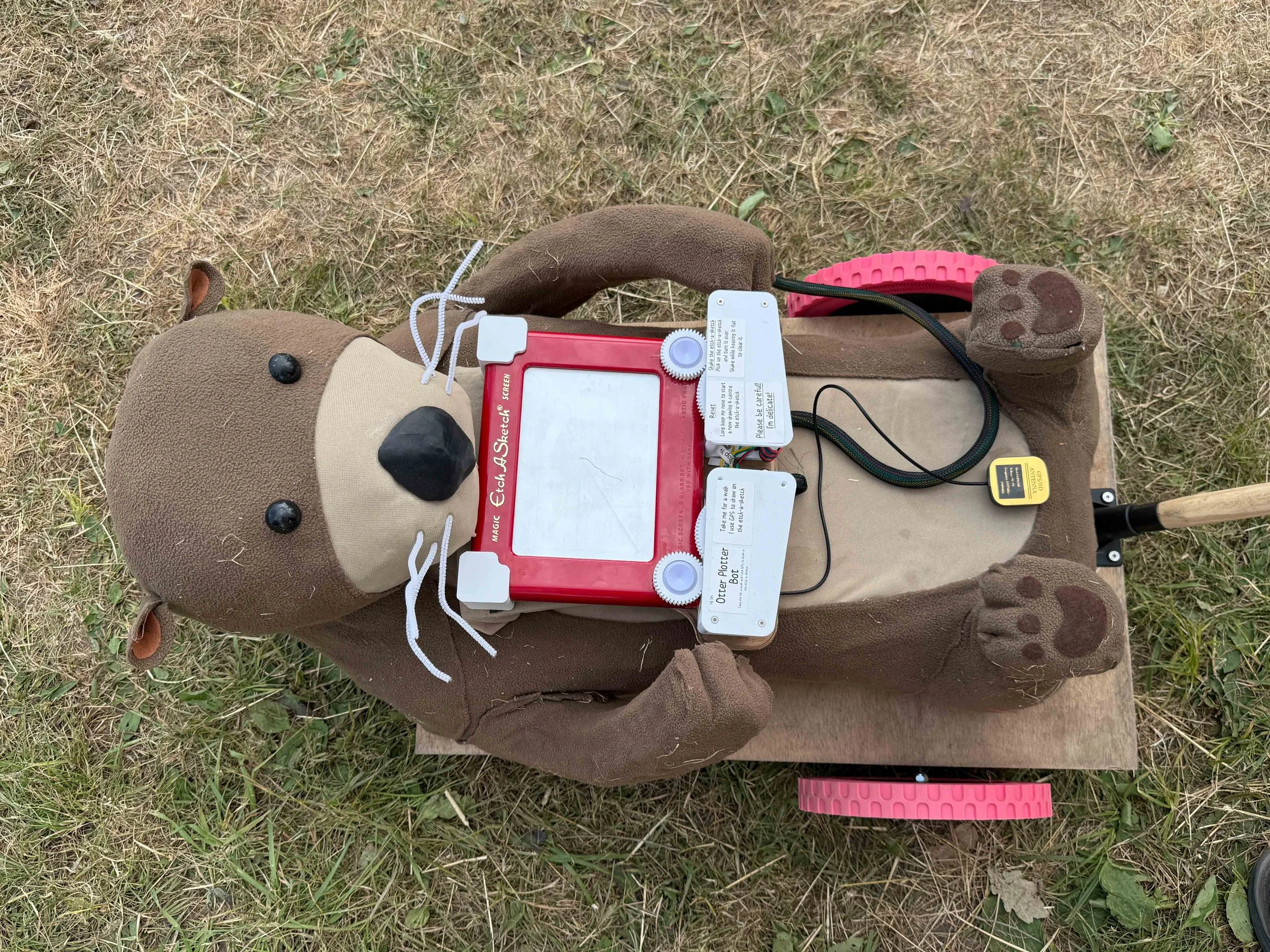
The Otter Plotter
The thing about EMF is that in amongst all the silly things (see above) they also have a whole bunch of serious things (see below).
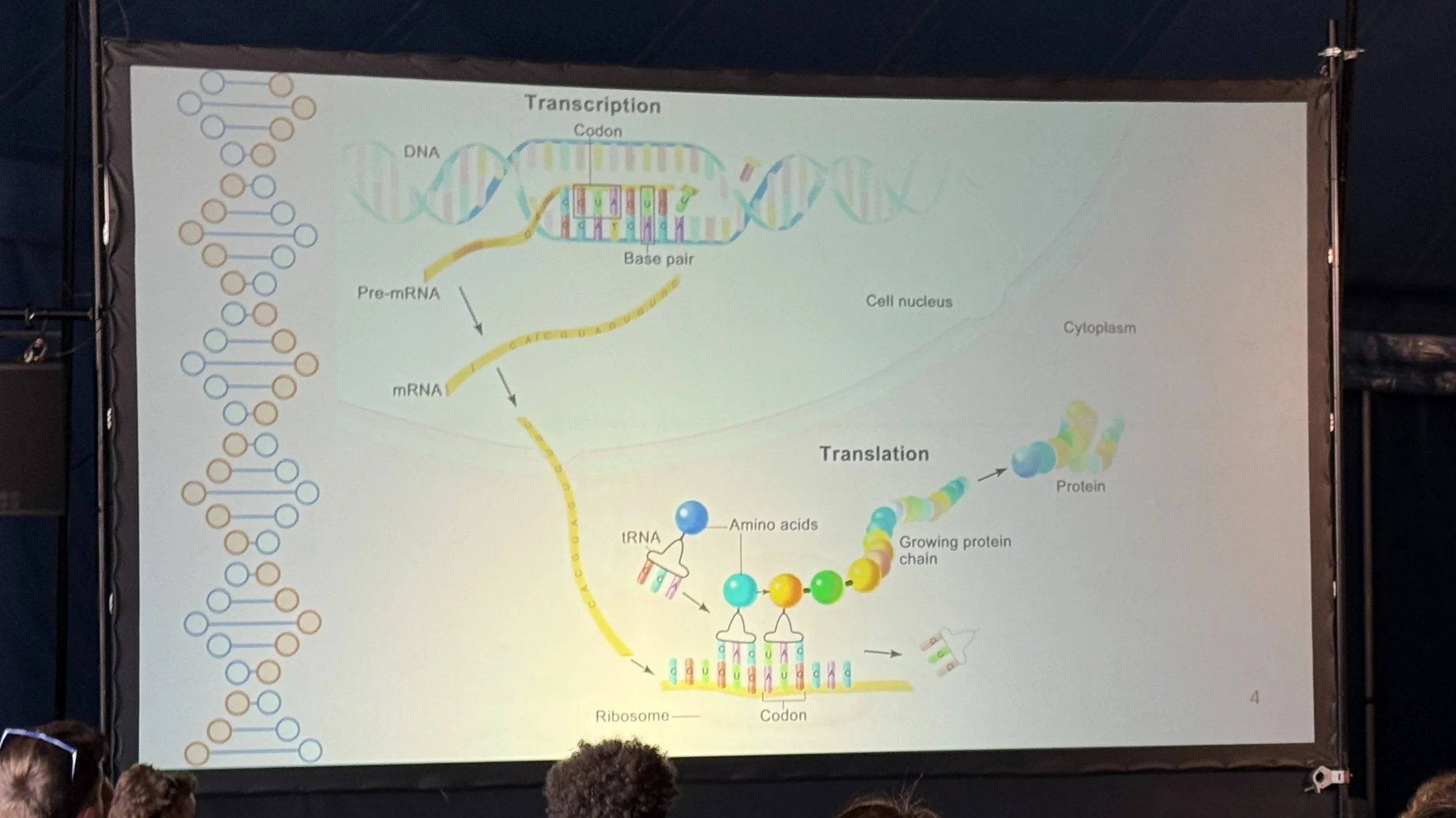
Virus Talk
Alongside daft creations we had proper hard science and some deep discussions. It is also wonderful to see artists and engineers working together to make the most amazing installations. I’ve never seen so many at an emf before.
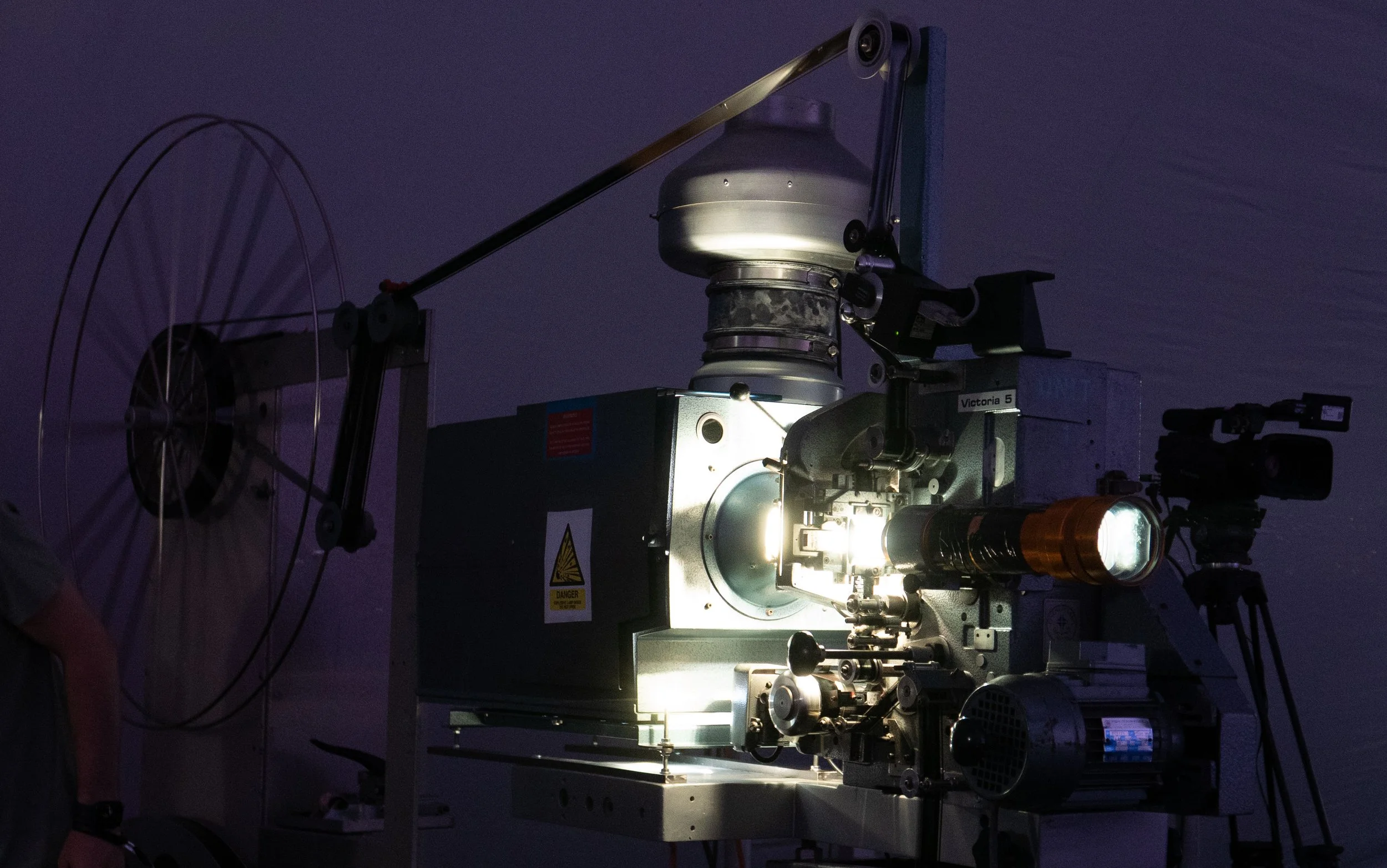
I went to a super session about photography which started from first principles and taught me a few things I’d never thought properly about. I was then lucky enough to have a chat with the presenter, try to take their picture with the Custard Cream Camera and totally fail because the LCD panel was impossible to see. Oh well. This is just a super fun place to be. In the evening they had a showing of the movie Apollo 13 using a proper 35mm projector.
This is the projector at the end of the show. That big reel on the left was full of film at the start. Just the sound of the projector firing up and the look of the film were great. And we got the full sound treatment too as they were using the DTS theatre soundtrack. Awesome.
I still remembered “plugh”
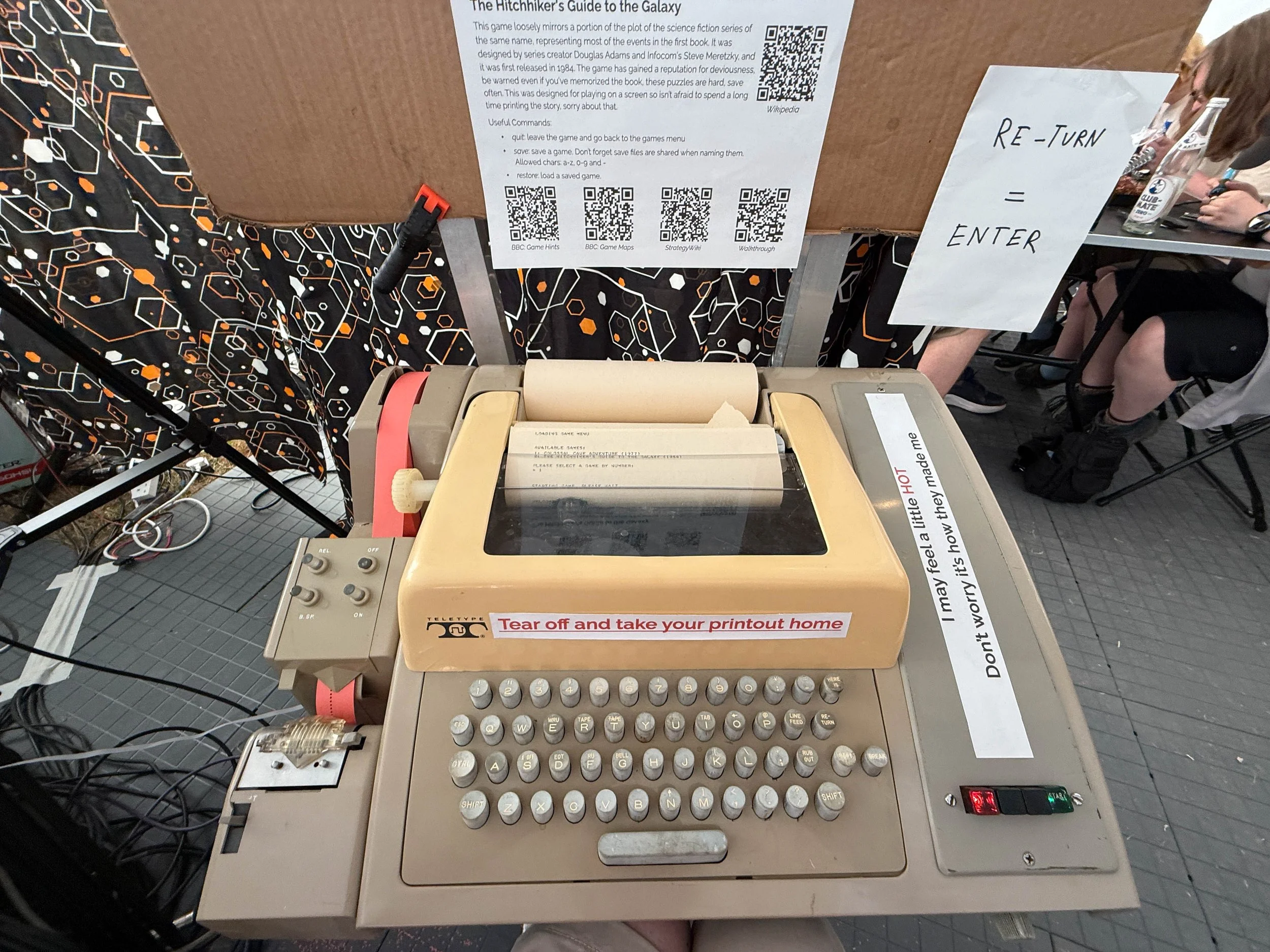
We found our way into the arcade tent where they had a teletype running the Colossal Caverns adventure game. It was super nostalgic to press the keys, hear the clunk and see the printed output.
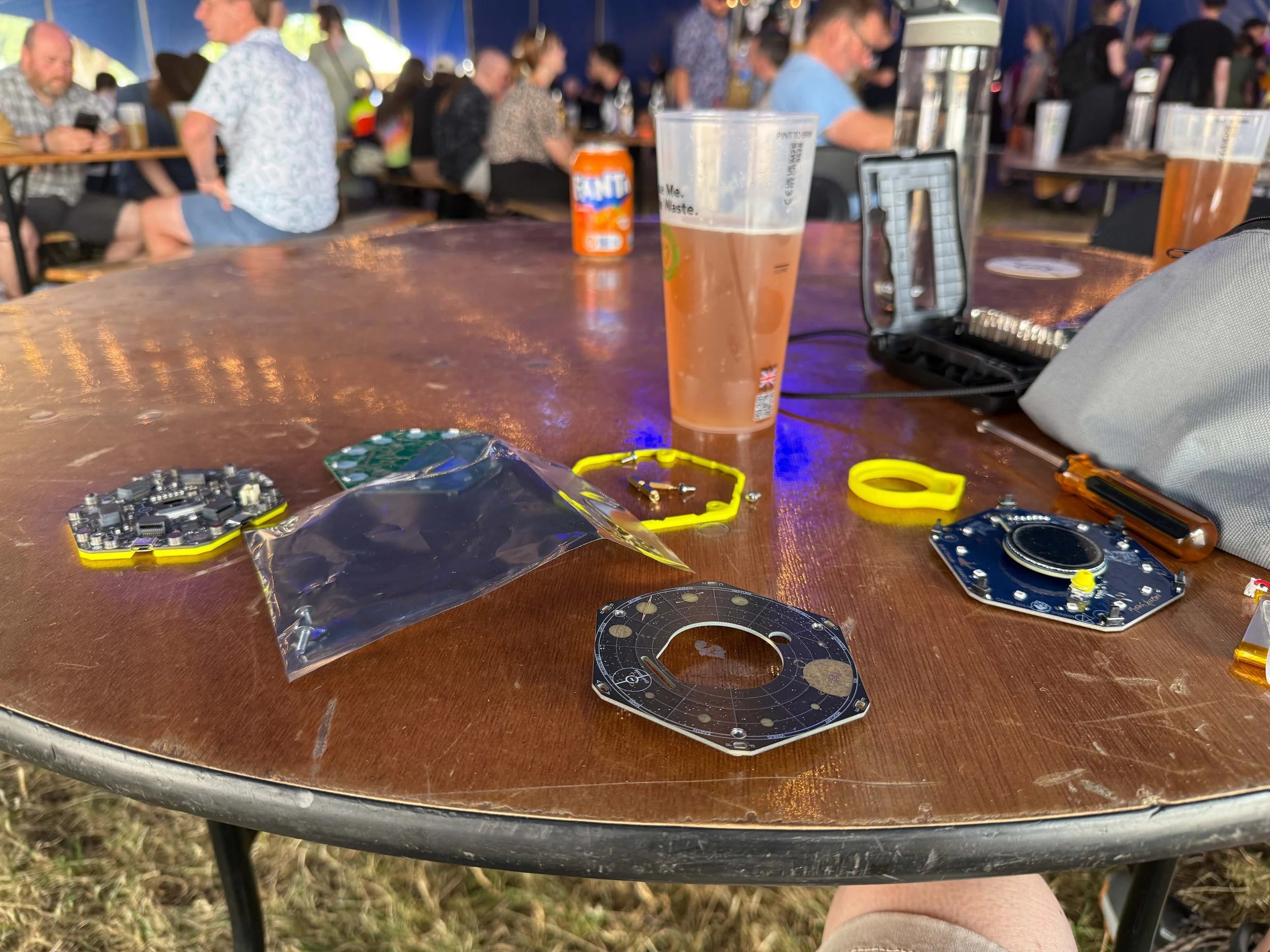
The bar seemed as good a place as any to upgrade the conference badge. For 2026 there is a new badge face and sensor board which much improves the control switches and looks really snazzy. The badge runs apps from the festival App store. I’ve added one called Custard Cream which you can run to view pictures taken by the custard cream camera.
The Custard Cream Camera is working well
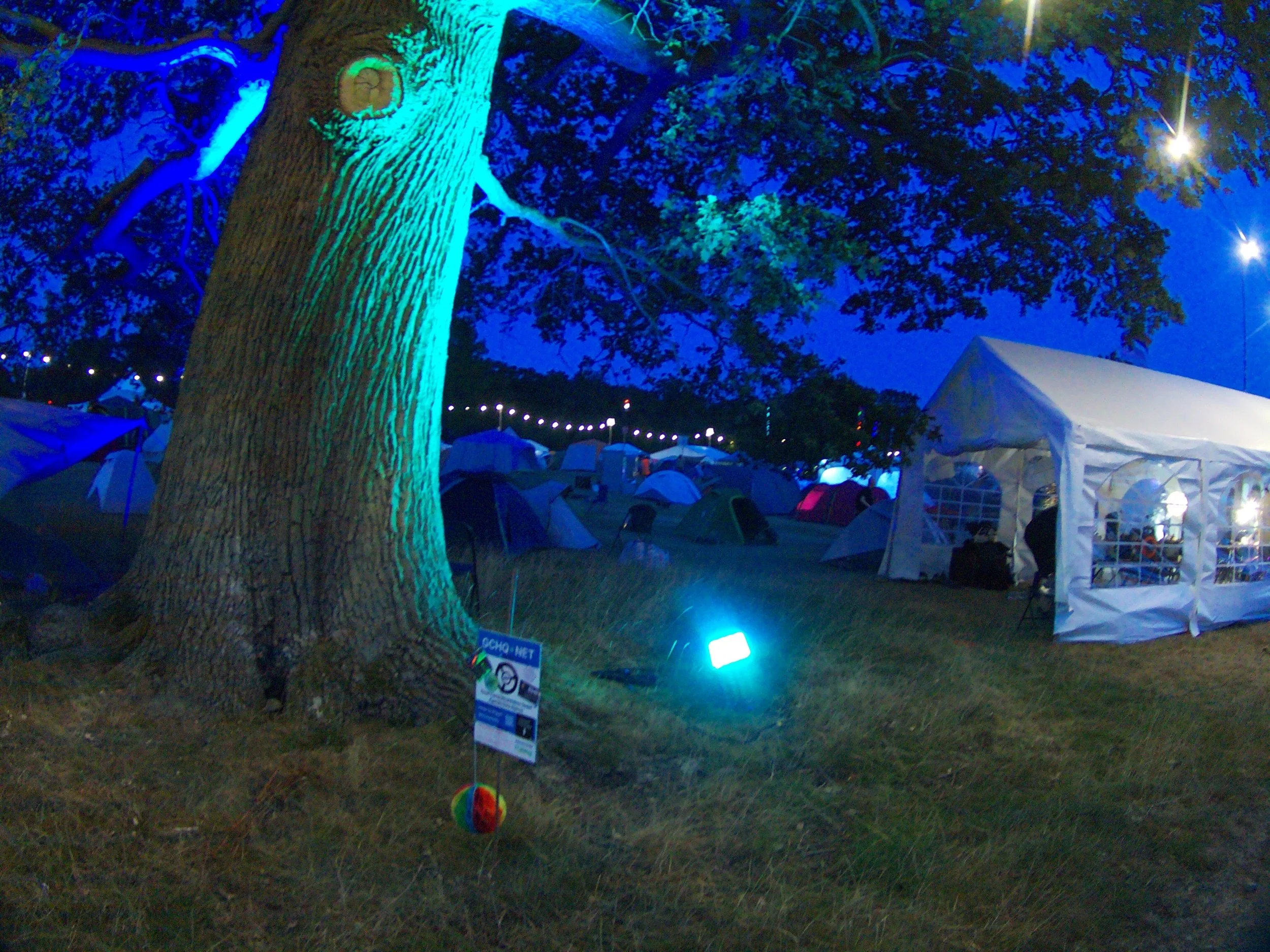
They’ve done this rather cunning thing with the Null Sector nightclub this year. They’ve pointed all the speakers away from the camp rather than towards it. This means that it is a lot quieter in bed at night, although I didn’t seem to have any trouble getting to sleep as it turned out.
We got up bright and early today and headed off down the motorway to Electromagnetic Field. The motorways were mostly clear, the weather was mostly very warm. Just the temperatures for carrying tents, groundsheets and Custard Cream Cameras around. Once we had the tent up and everything in place we went out for a walk and to take some pictures. Then we repaired to the Lounge to take a look at what we had, and fiddle with it a bit.
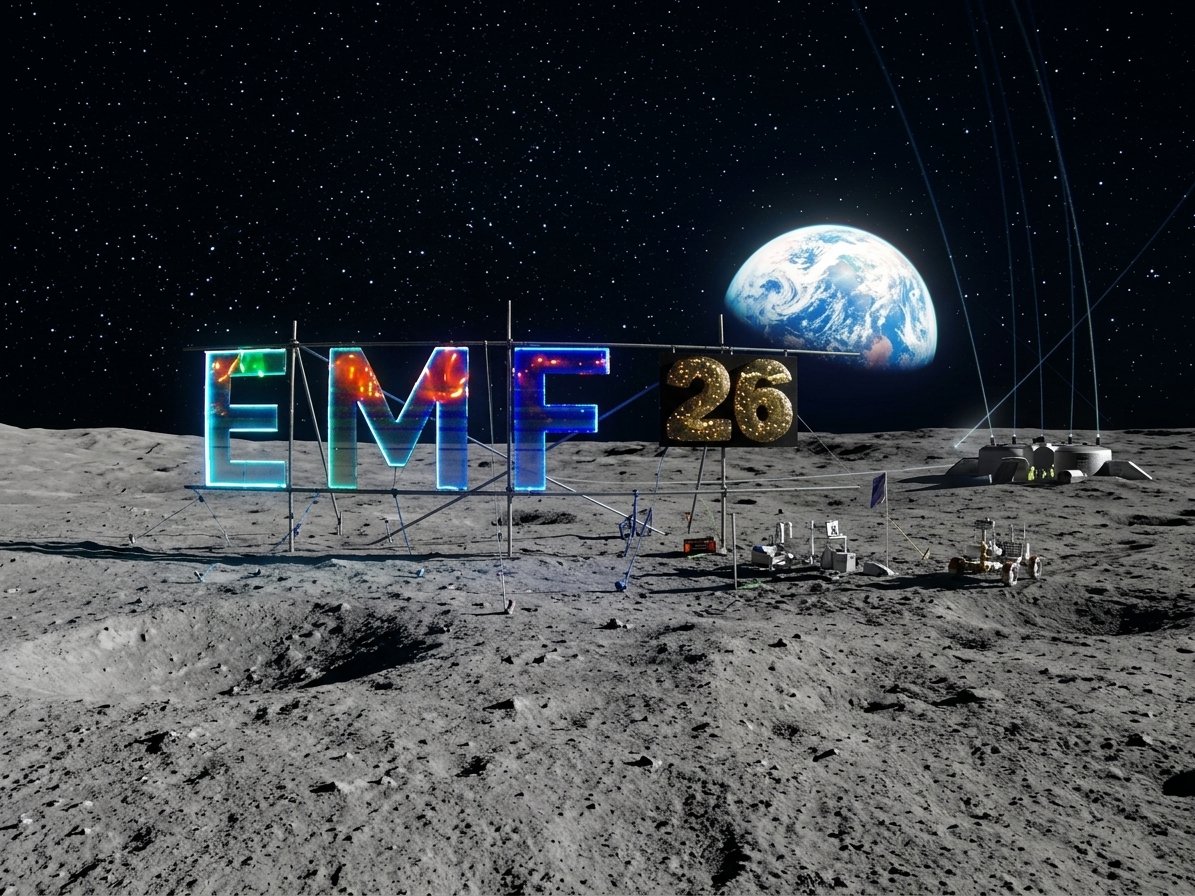
EMF has this rather nice sign. I asked the Custard Cream Camera to put it on the moon.
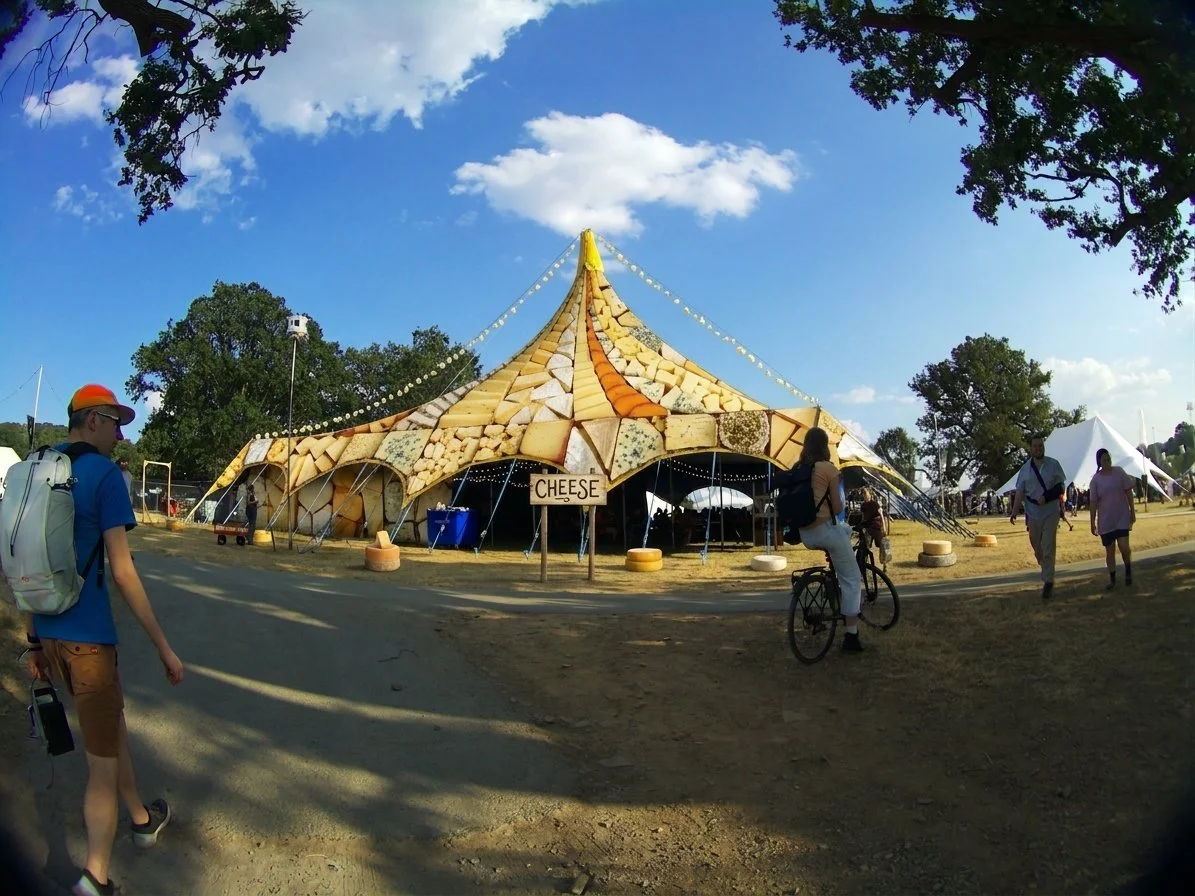
Then I added a bit more cheese to the event…
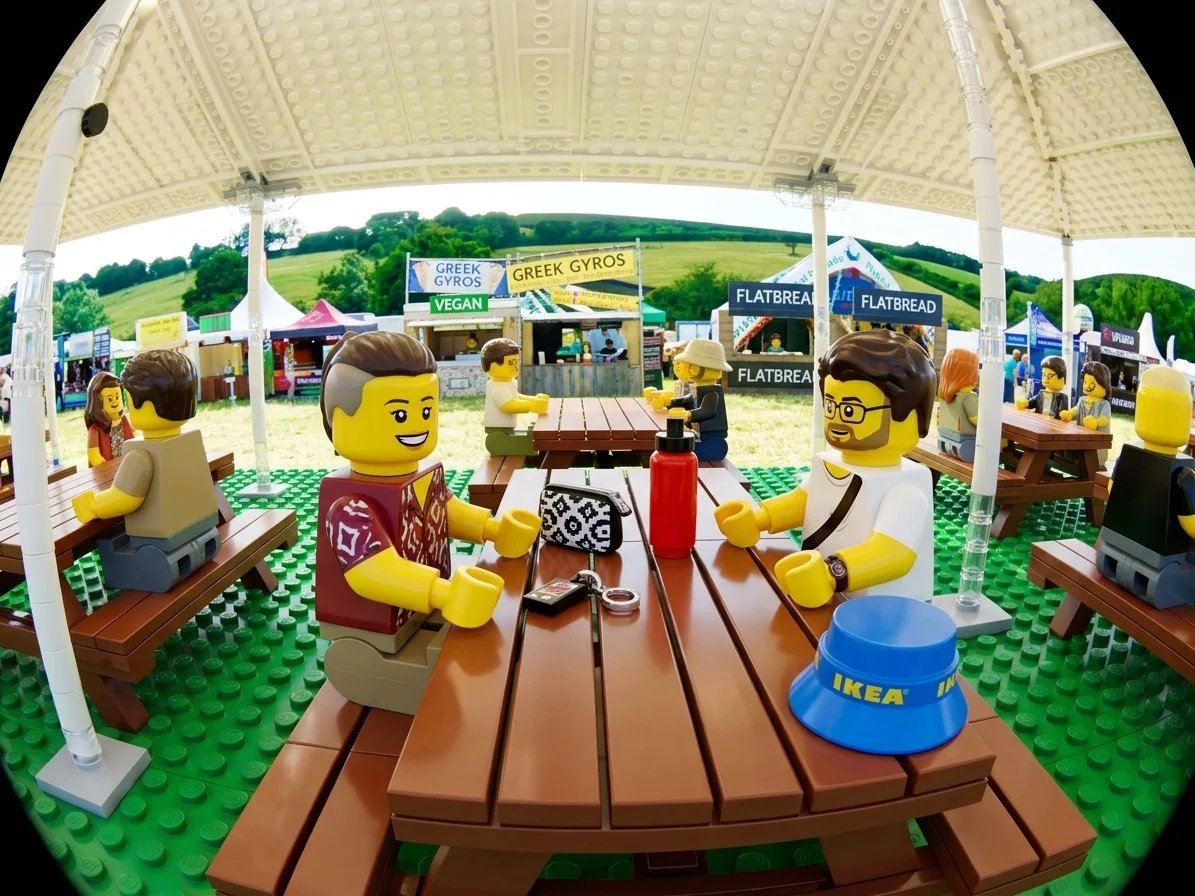
…before turning one lucky person into Lego…
Then we headed back to the tent to get things ready for tomorrow. If you want to see these and many other pictures from the event you can go to: https://custardcream.cam/ Just hit the “See a random picture” link to, er, see a random picture.
Very pleased to discover that I nave been renewed as a Microsoft Most Valued Professional. That’s 24 years in the programme. Thanks very much. I’ve no idea what it is that I’ve done to deserve this, but I’ll strive to keep doing it.
Rob Miles is technology author and educator who spent many years as a lecturer in Computer Science at the University of Hull. He is also a Microsoft Developer Technologies MVP. He is into technology, teaching and photography. He is the author of the World Famous C# Yellow Book and almost as handsome as he thinks he is.