M5STack Large Language Model Upgrade
/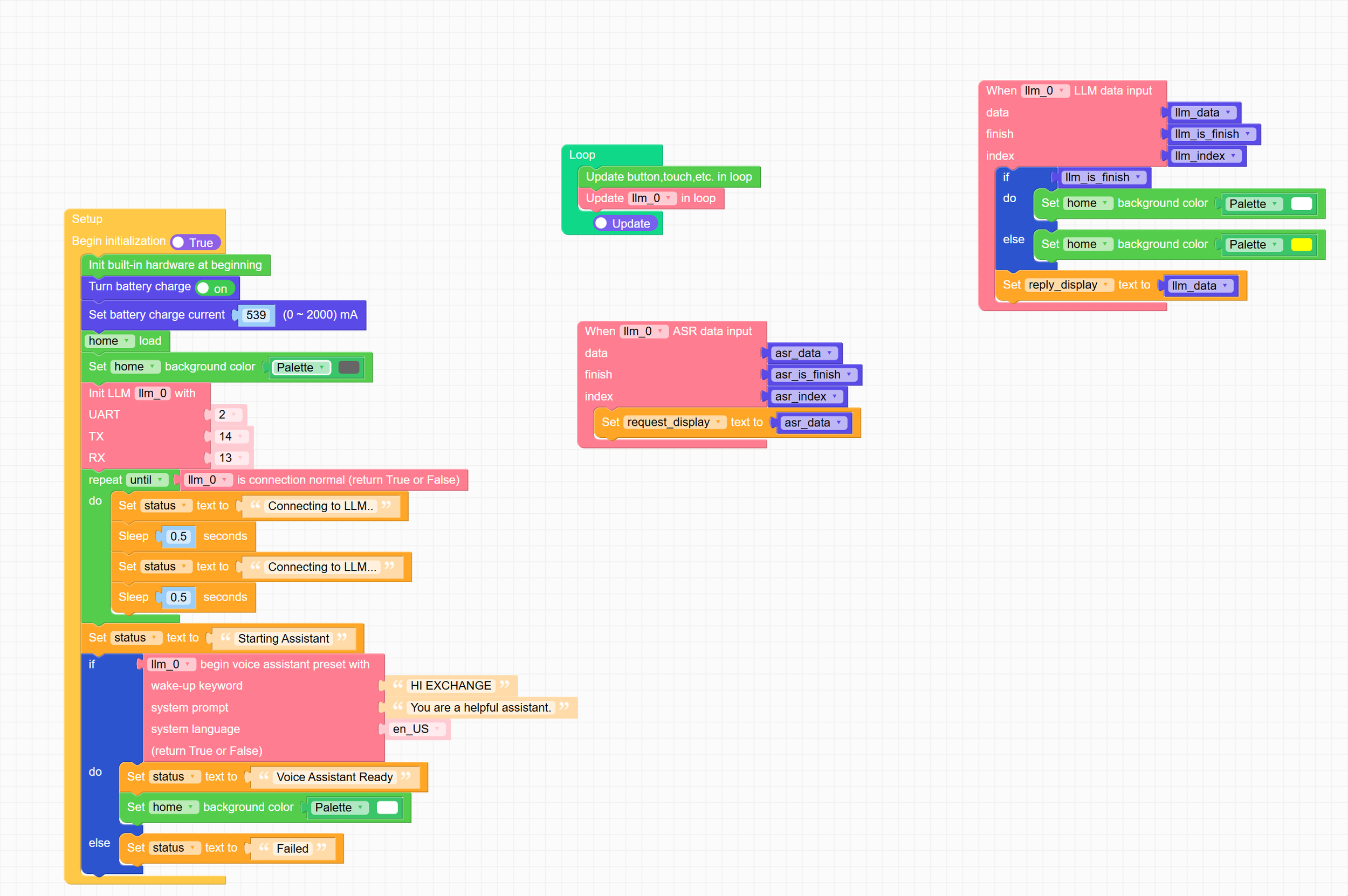
You can even program the LLM using FlowCode - and you can work with the Python behind it too
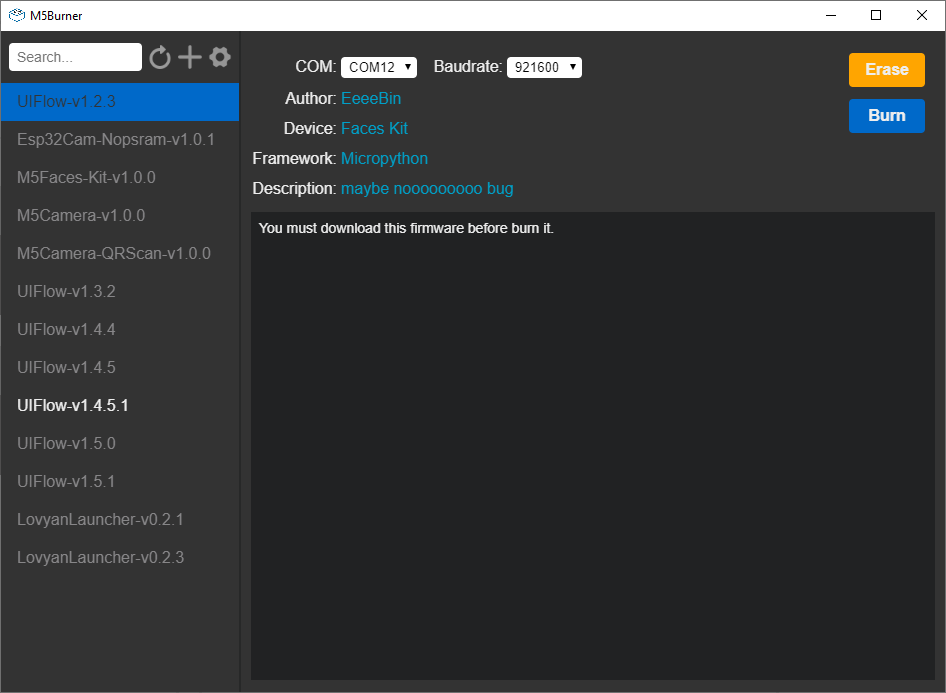
One of the toys that I used at DDD North on Saturday was the M5Stack Large Language Model (LLM) unit. This is a complete embedded large language implementation that fits into an M5Stack Core device. I got it a while ago, and today I thought I’d bring it up to date. I upgraded it to the latest model and got it going and it is a big step up from the original. The spoken output sounds better and the model is more advanced. The UiFLow environment now works fine now on my Core 2 device. Last time I had to load an older version of the firmware to be able to deploy programs.
It has a complete Voice Assistant application you can just fire up and get going and it also has Text to Speech, Speech to Text and Keyword identification behaviours you can string together to make your own assistant, or use for other purposes. The documentation also mentions using a camera for image recognition, but I’ve not figured out how to do it yet.
I think that, bearing in mind that it is running everything locally, it works very well. It is certainly be a useful platform for self contained LLM fun. The latest version comes with a debug/comms adapter which provides a console and network ports for the LLM module. I’m very tempted to buy another one of these just to get that extra connection.
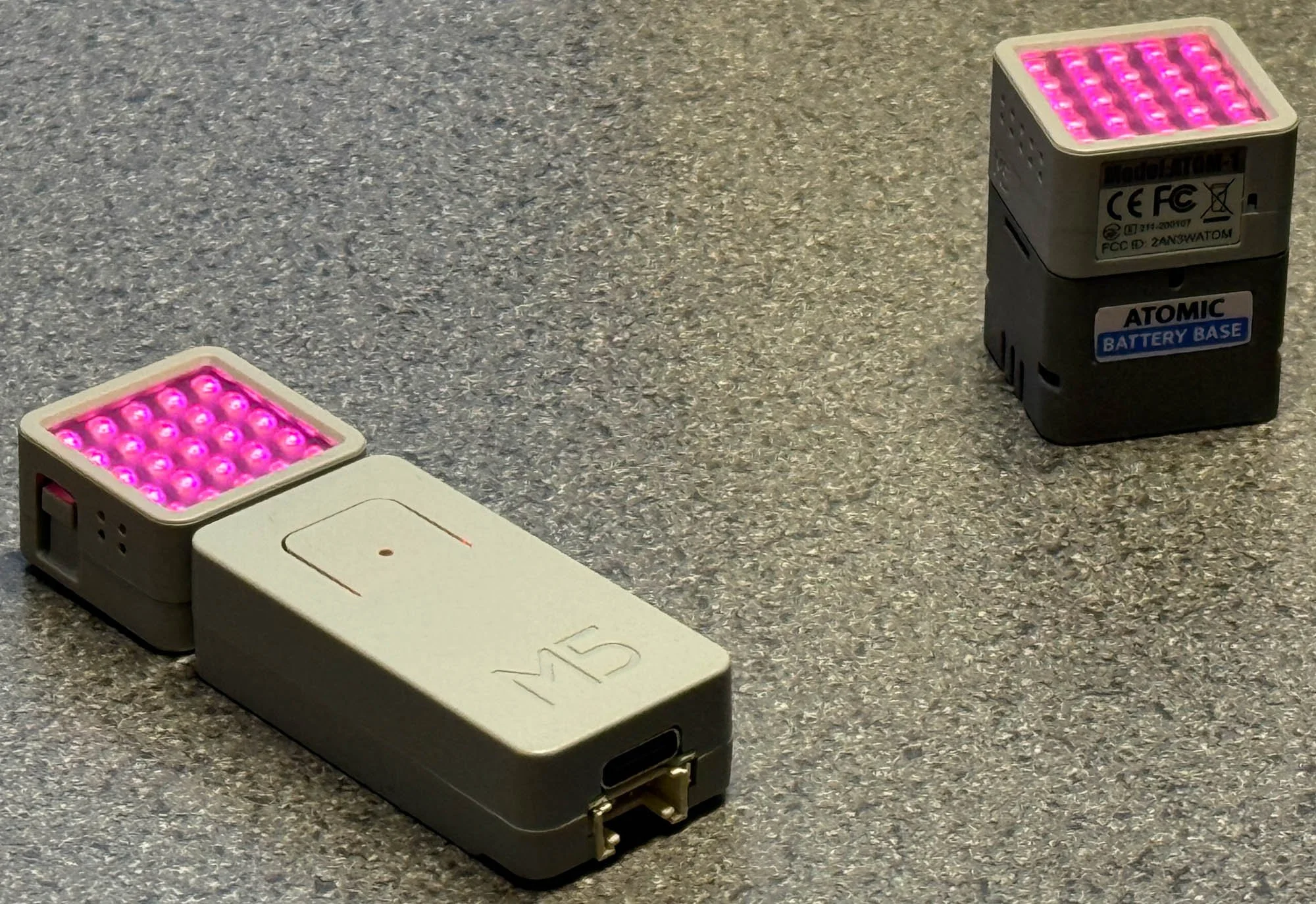
One tip: when the LLM fires up it can make sudden demands on power. If your power supply isn’t up to it you might find that the Core2 tips over at that point. I solved the problem by getting a battery base which clips on the bottom and provides enough power to handle sudden surges.